From restoring old menus to managing complex hierarchies, this plugin truly stands out with its wide range of features.



From restoring old menus to managing complex hierarchies, this plugin truly stands out with its wide range of features.
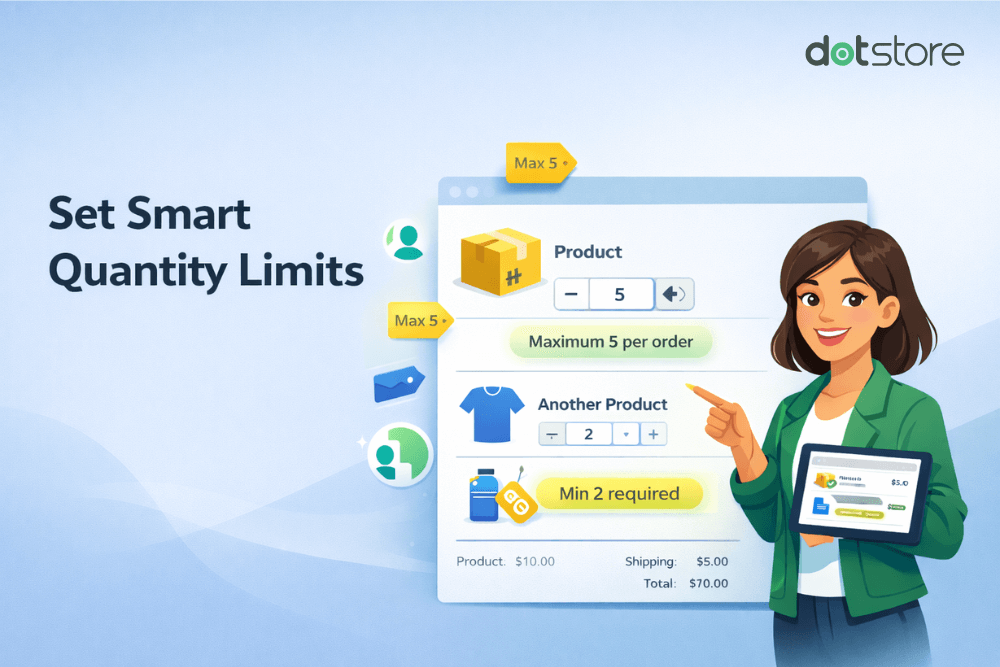
Quick answer: WooCommerce has no built-in setting to limit purchase quantity beyond available stock. You can set a global minimum, maximum, and step increment for free with a few lines of PHP using the woocommerce_quantity_input_args filter plus a cart validation hook. A plugin is worth it when you need per-customer limits, per-attribute rules, or no-code […]
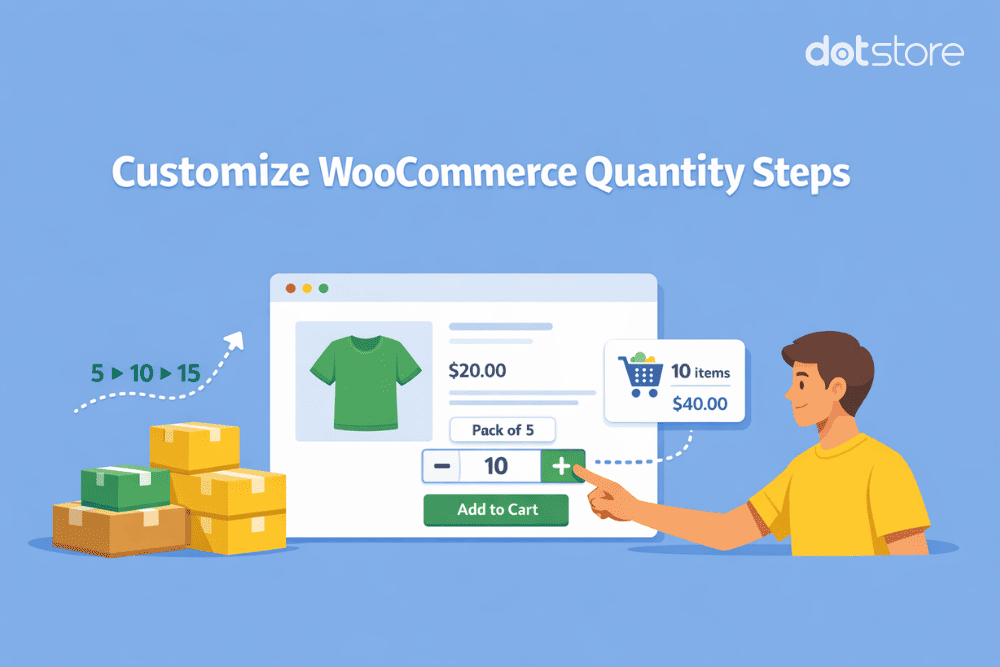
Would you like to change the WooCommerce quantity increment button in your online store? In this in-depth tutorial, I’ll show you how to adjust the step increment value to 2, 5, 10, or any other number so customers only purchase products in specific units. Searching for a way to customize your store’s WooCommerce quantity increment […]
