
Client:
Lateliervolan
Problem solve:
Commission fee for each order.
Impact:
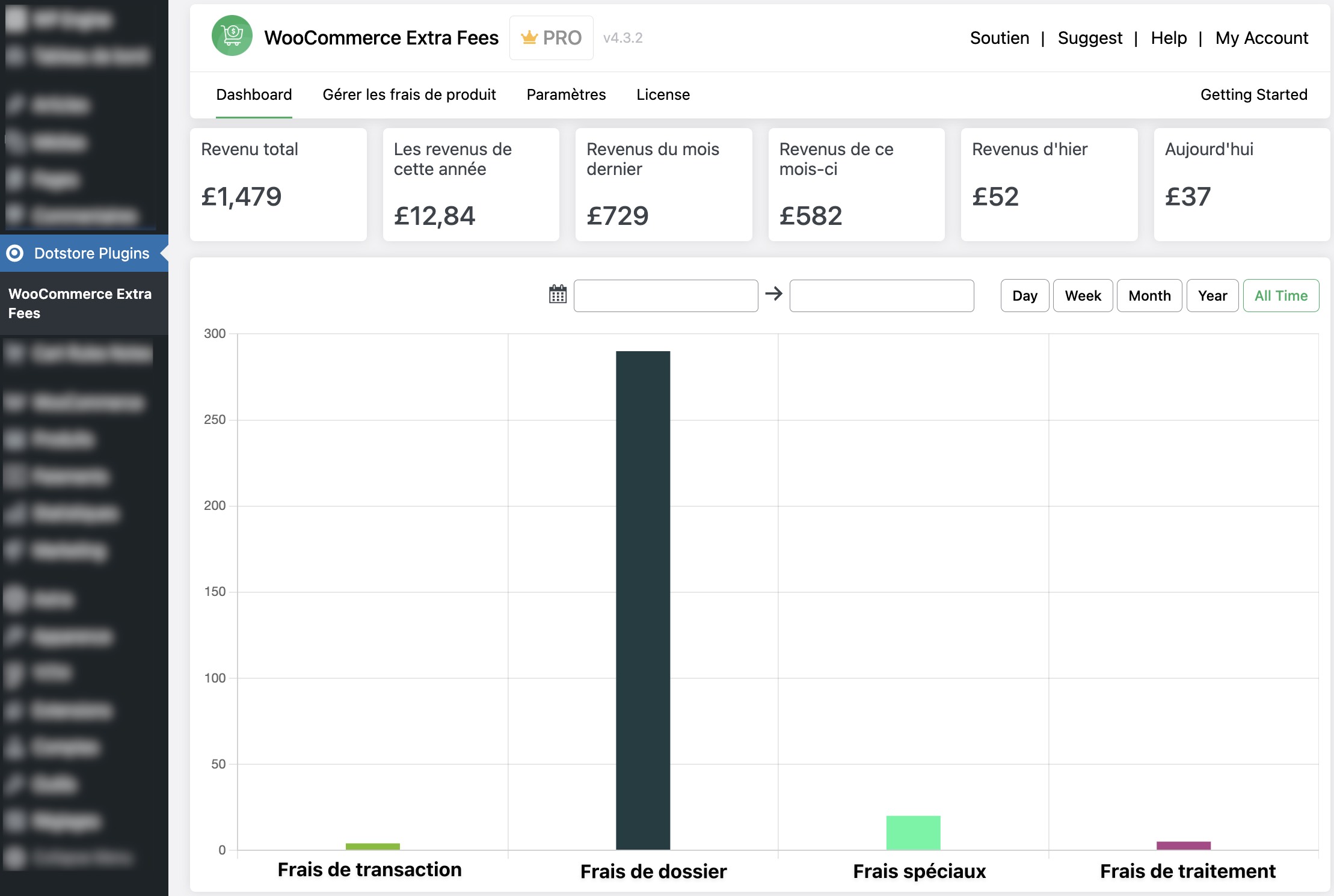
An Additional 24% revenue generated per yearL’Atelier Volant is a professional paraglider repair and maintenance shop based in France. Along with servicing equipment, they also help customers sell their used paragliders through a consignment model.
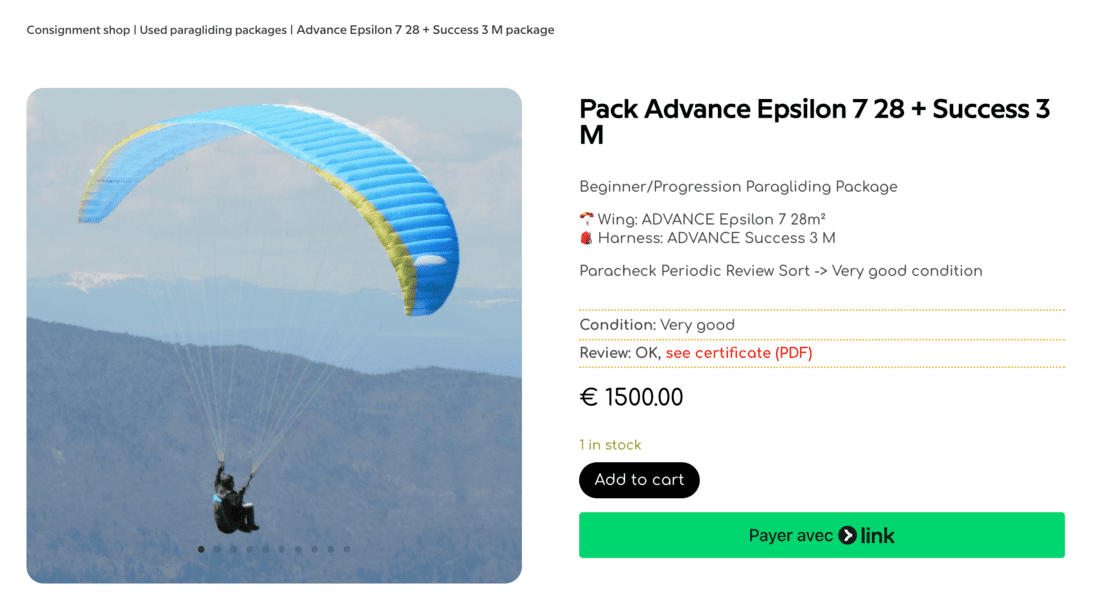
Sellers bring their used paraglider to the shop → L’Atelier Volant inspects it, repairs it if needed, and provides an official repair certificate.
This certificate increases buyer confidence, allowing the equipment to be sold at a fair price.
Once the paraglider is sold:
- A major part of the amount is paid back to the owner
- L’Atelier Volant charges its commission fee for the service
- Only the commission amount is subject to VAT (not the full sale amount)
Example
→ Selling price: €2,000
→ Paid to owner: €1,600
→ Commission for L’Atelier Volant: €400
This model helps them provide more value to sellers while keeping their accounting clean and compliant.

How the Extra Fees Plugin Solved Their Problem
L’Atelier Volant needed a simple, automated way to:
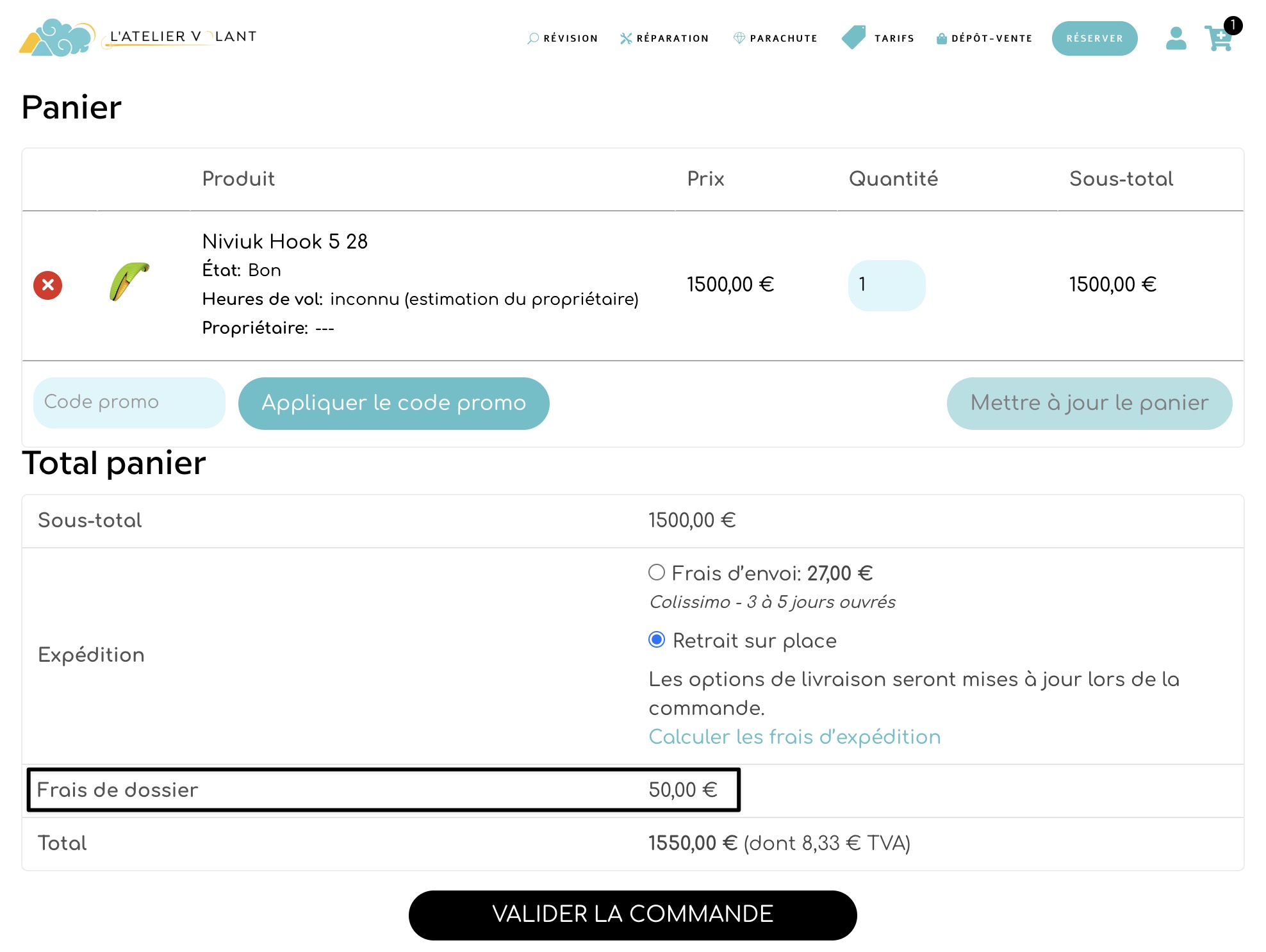
- Add a commission fee to each order
- Make sure this fee is calculated correctly and shown transparently
- Ensure that only the commission amount is counted as taxable revenue
- Keep their WooCommerce sales accounting accurate without manual adjustments
The Extra Fees Plugin turned out to be the perfect fit.
Here’s how the Extra Fees plugin helped:
1. Automated Commission Fee
They can now add a flat or percentage-based extra fee for each consignment sale.
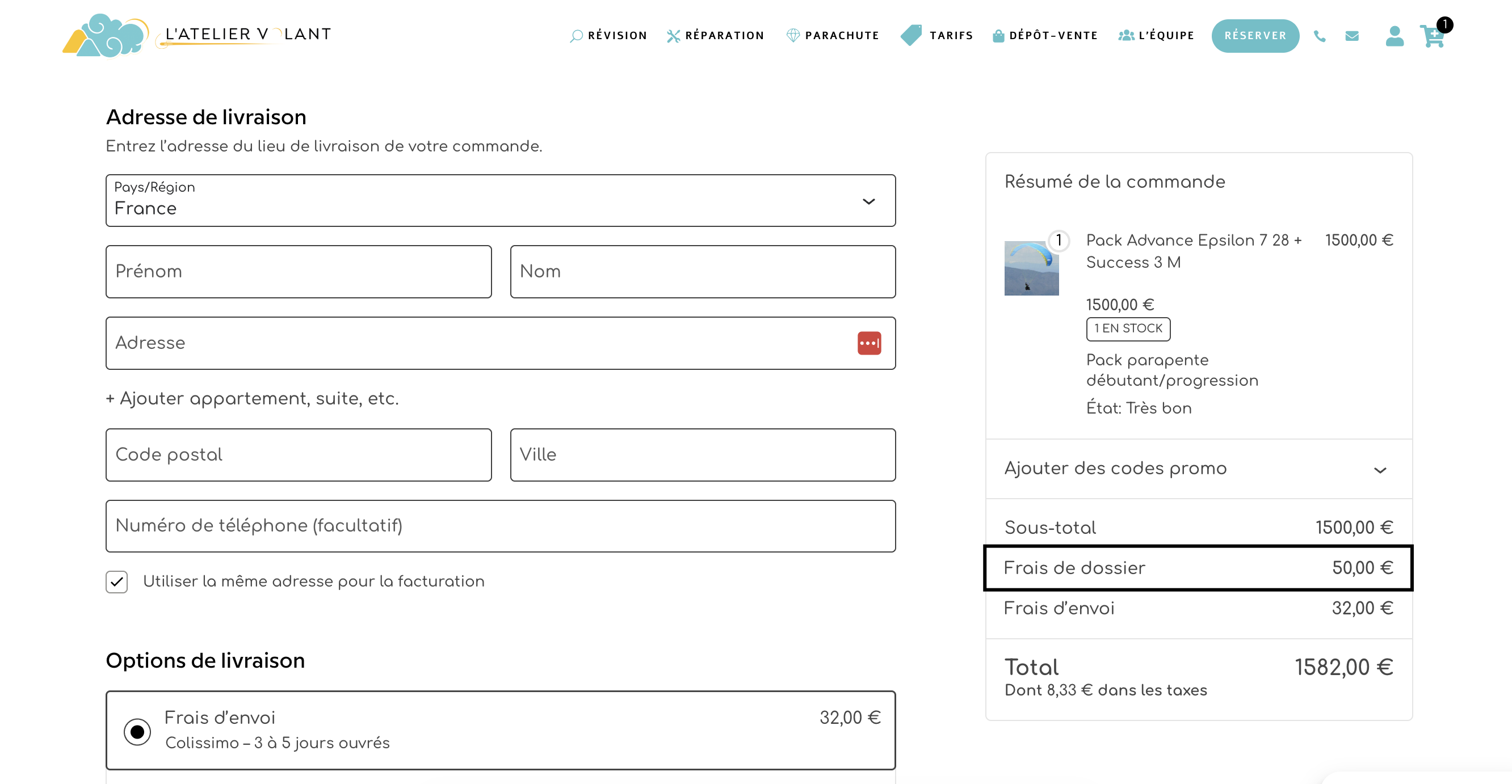
This fee represents their commission (e.g., €400), and the plugin automatically adds it at checkout.
2. Correct VAT Handling
Because the Extra Fees plugin supports:
- Taxable fees
- Non-taxable fees
- Separate line-item fees
They can configure VAT only on the commission fee, not on the entire product price — matching exactly what their business model requires.
3. Full Transparency for Buyers
The fee appears as a separate line item on the cart, checkout, and invoices, helping customers clearly understand the breakdown.
4. Zero Manual Accounting Work
They no longer need to calculate commission or VAT manually.
The plugin calculates it every time, reducing errors and saving time.
5. Works Seamlessly with Their Consignment Workflow
Since the selling price is technically for the owner and the fee is for the shop, using Extra Fees as a commission line keeps everything clean and WooCommerce-friendly.
The Business Challenge (Pain Points)
- Difficulty adding commission fees for consignment sales
- VAT is only applicable to the commission, not the total sale
- Need for transparent pricing
- Manual calculation mistakes
- No WooCommerce-native way to handle commission logic
Why This Matters for WooCommerce Store Owners
- Consignment stores
- Rental businesses
- Service-based add-ons
- Commission-based marketplaces
- Repair/inspection services