Adding the quick checkout button to our shop page reduced cart abandonment and encouraged impulse purchases.


Adding the quick checkout button to our shop page reduced cart abandonment and encouraged impulse purchases.
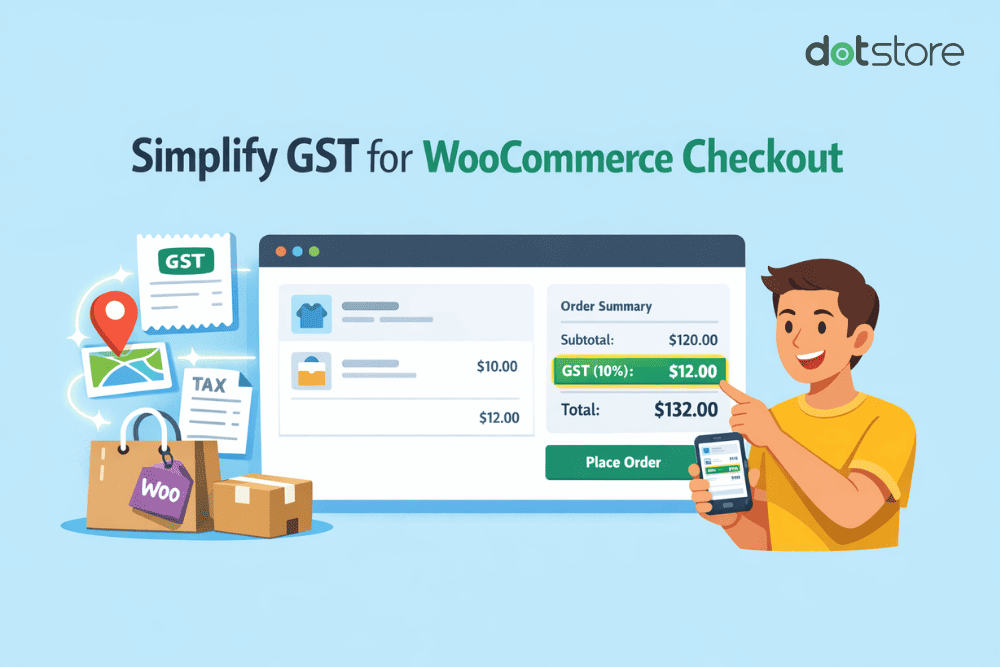
Quick answer: WooCommerce has a built-in tax system that handles GST. Go to WooCommerce > Settings > General and tick “Enable taxes.” Then open the Tax tab, create tax classes for your GST slabs (5%, 12%, 18%, 28%), add rate rows for your country and states, and assign each product to the correct class. No […]
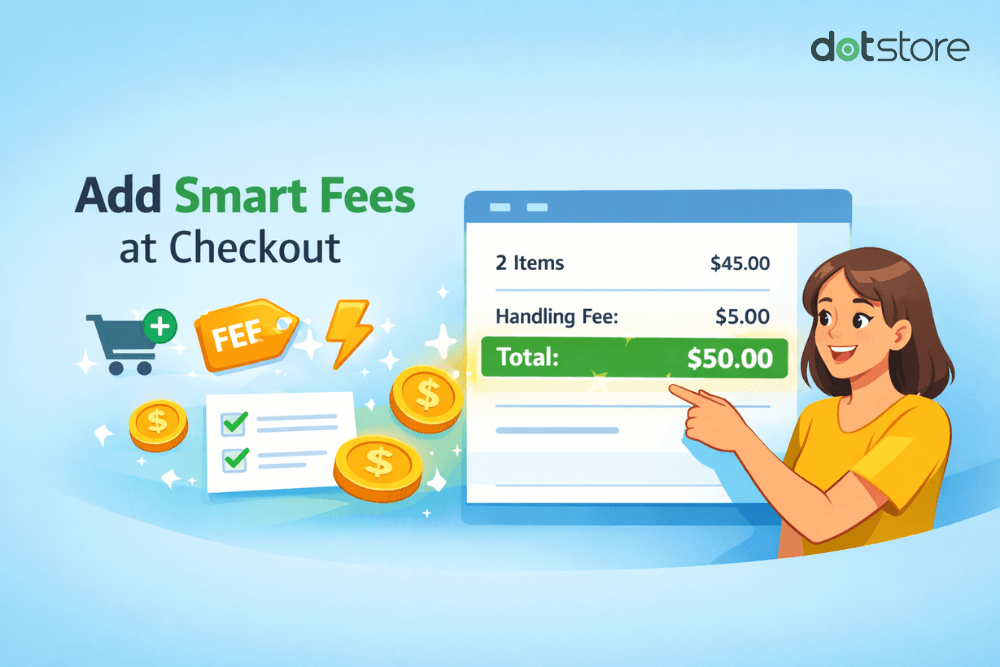
This step-by-step guide shows you how to add fees to WooCommerce orders using the default features and the powerful WooCommerce Extra Fees plugin (100% no code). Do you want to add fees to orders in WooCommerce? Running an ecommerce business comes with a ton of overhead expenses. Costs for shipping materials, packaging supplies, payment gateway […]
