

Overview
Vehicle Solar Solutions received hundreds of failed order notifications after card-testing bots began using its WooCommerce checkout to test stolen payment card details. Considering that they had installed the Dotstore Anti-Fraud Plugin for WooCommerce on their website, the card testing attacks were surprising.
After reviewing Vehicle Solar Solutions’ store logs, the Dotstore Support team identified the pathways used to carry out the attacks: two checkout routes, /wc/v3/orders and /wc/store/checkout, that bypassed the normal checkout flow. They confirmed that the alternate checkout routes weren’t needed for genuine orders and progressively restricted them.
The checkout restrictions stopped the card-testing activity during the same-day observation period. Vehicle Solar Solutions and the Dotstore Support team then tested the normal checkout flow. They completed a purchase successfully, confirming that legitimate customers could still place orders.
- Client: Vehicle Solar Solutions
- Industry: Automotive solar products and accessories
- Plugin used: Dotstore Anti-Fraud Plugin for WooCommerce
- Attack overview: Card-testing bots submitting hundreds of failed orders through alternative WooCommerce API routes
- Resolution: Identifying and progressively restricting unnecessary checkout API routes, then testing the normal checkout flow to confirm legitimate orders still worked
Vehicle Solar Solutions sells high-quality vehicle-specific solar panels and accessories to wholesale and retail buyers across Australia. In late 2025, their WooCommerce store was hit by card testing bots that placed hundreds of failed orders.
They had set up the Pro version of the Dotstore Anti-Fraud Plugin for WooCommerce to protect their website from spam and fraud. So how were automated bots able to use their checkout to test payment cards?
WooCommerce Fraud Prevention
Equip your store with our feature-rich fraud prevention plugin to reduce risk and safeguard your profits.
14-day, no-questions-asked money-back guarantee.
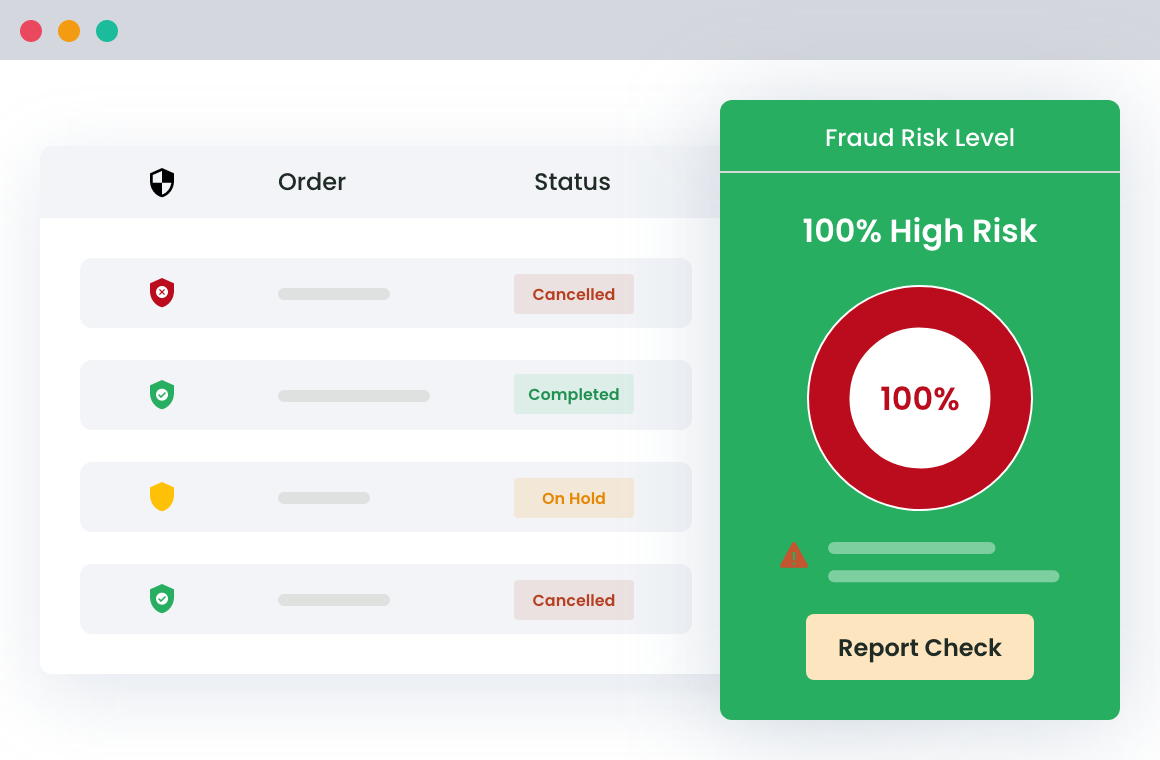
The challenge: a WooCommerce store that received hundreds of failed orders
Otto, who manages Vehicle Solar Solutions’ WooCommerce store, received hundreds of failed order email notifications. The pattern pointed to bots that were attempting to test credit cards using automated scripts that try stolen card numbers against an ecommerce store’s payment gateway to determine active cards.
He contacted the Dotstore Support team with two requirements: (1) to stop all card testing attempts, without (2) blocking genuine human customers or breaking the checkout flow.
The second requirement is what makes stopping WooCommerce card testing attacks tricky, as the resolution must not impact the store’s revenue.
The resolution: locating WooCommerce checkout routes used by card testing bots
The Dotstore Support team reviewed the failed orders and Vehicle Solar Solutions’ WooCommerce site logs to pinpoint where the orders were coming from.
Out of the box, the Dotstore Anti-Fraud Plugin for WooCommerce evaluates customers and assigns fraud scores at the checkout hooks. However, if an order is created through an API route, it can skip those hooks entirely. This means that the plugin can’t filter and score them.
The Dotstore Support team first identified orders placed via the API route /wc/v3/orders and added a targeted restriction to that route. But that wasn’t sufficient to stop the issue.
After the first restriction was applied at 7:41 a.m., Otto reported receiving more failed-order emails at 7:53 a.m. and 8:20 a.m. This made it clear that additional accessible checkout paths existed.
A second log review found activity on the /wc/store/checkout store API route, which is associated with block-based checkout.
Before closing the second route, Support asked Otto and the store’s web manager to confirm that Vehicle Solar Solutions didn’t need it to process genuine orders. Once Vehicle Solar Solutions confirmed that the route wasn’t required, they expanded the restriction.
The results: WooCommerce card testing attacks stopped after checkout restrictions
After restricting the alternate WooCommerce checkout routes, Otto confirmed that no new failed-order emails arrived during the same-day observation period.
To make sure that the checkout flow continued to work smoothly, Otto and the Dotstore Support team reviewed the complete customer journey. A staff member tested the checkout flow up to the payment stage. Otto followed with a complete purchase on the Vehicle Solar Solutions website, and it was processed successfully.
This confirmed that the checkout route restriction was successful: shutting out unwanted API routes stopped card testing bots without negatively impacting genuine customers.
Stopping failed orders in your WooCommerce store
If your WooCommerce store is still receiving fake orders even though you’ve set up anti-fraud protection rules, follow these steps.
- Add a WooCommerce anti-fraud plugin to your site. A plugin like the Dotstore Anti-Fraud Plugin for WooCommerce enables you to configure fraud prevention rules to block card testing bots and prevent other security attacks. It also lets you add reCAPTCHA to the WooCommerce checkout, enable rate limiting, and use AI fraud detection along with other measures to stop failed orders.
- Identify the source of the failed order attempts. Navigate to WooCommerce → Orders in your website admin and review recent failed, pending, and cancelled orders. Also, review your website’s security, server, and access logs, as well as your payment gateway logs, to identify repeated requests to checkout or payment endpoints, unusual API activity, and requests that don’t follow the normal WooCommerce checkout flow.
- Enable bot protection and rate limiting. Blacklists are less effective against card testing bots, as they can rotate IP addresses and customer details. Enable a WAF using your web hosting provider’s firewall or Cloudflare to challenge suspicious traffic and limit repeated requests.
- Restrict confirmed malicious or unnecessary checkout routes in stages. Once you’ve identified specific API routes used to submit fraudulent orders, confirm whether your WooCommerce store, payment gateway, checkout, or other integrations depend on them. Then, starting with the routes you’ve confirmed are malicious or unnecessary, restrict the ones most clearly associated with fraudulent activity.
- Test the normal checkout flow and other store functions after each restriction. After each checkout route restriction, place a test order using the normal checkout flow to confirm that customers can still select shipping methods, enter payment details, and successfully place orders. Additionally, test relevant payment gateway integrations, account registration, order updates, and any other features that rely on WooCommerce APIs. Review your site’s server logs to spot errors, failed requests, or unexpected behavior. Repeating the process after every restriction helps avoid disrupting genuine customers.
Receiving repeated failed orders despite having fraud protection in place? With the Dotstore Anti-Fraud Plugin for WooCommerce, you can configure fraud prevention rules, risk scoring, AI fraud protection, and checkout reCAPTCHA to protect your WooCommerce store. Free and pro versions available.
WooCommerce Fraud Prevention
Equip your store with our feature-rich fraud prevention plugin to reduce risk and safeguard your profits.
14-day, no-questions-asked money-back guarantee.
FAQs about WooCommerce card testing attacks
Why is my WooCommerce store receiving hundreds of failed orders?
A sudden increase in failed orders (for example, hundreds of failed orders in a day) may indicate a card testing attack, where bots use automated scripts to test stolen payment card details against your WooCommerce store’s payment gateway.
To identify if a WooCommerce card testing attack is underway, review your WooCommerce order records, server logs, and payment gateway logs to pinpoint repeated attempts and suspicious patterns.
What is a card testing attack in WooCommerce?
In WooCommerce, card testing attacks occur when fraudsters use automated bots to submit payment details in order to determine which stolen credit or debit cards are still active.
A telltale sign of a card testing attack is if your WooCommerce store receives hundreds of failed orders or payment attempts over a short span of time.
Card testing attacks can increase transaction processing costs, overwhelm a WooCommerce store with unnecessary order records, and expose your payment gateway account to additional fraud risk.
How do I stop WooCommerce card testing bots without blocking genuine customers?
To stop WooCommerce card testing bots, the best approach is to set up several layers of anti-fraud protection. Use a purpose-built WooCommerce fraud prevention plugin like the Dotstore Anti-Fraud Plugin for WooCommerce to configure anti-fraud rules, enable reCAPTCHA in the WooCommerce checkout, and set up a web application firewall (WAF) with rate limiting or bot challenges.
If that isn’t sufficient, identify and block malicious and unnecessary WooCommerce API checkout routes.
WooCommerce Fraud Prevention
Equip your store with our feature-rich fraud prevention plugin to reduce risk and safeguard your profits.
14-day, no-questions-asked money-back guarantee.