Table of Contents
Key Takeaways
- Multidots Doodle is a smart WordPress logo changer plugin that updates your logo automatically for holidays, campaigns, or special events.
- It’s ideal for brands, agencies, and bloggers who want to keep their sites fresh, festive, and on-brand all year long.
- With easy setup and annual repetition, your logos update themselves, saving time while keeping your site visually engaging.
Every time Google updates its homepage logo for a holiday, people notice.
It’s a small touch but it makes the brand feel alive, human, and connected to the moment.
Now imagine your WordPress website doing the same.
With Multidots Doodle, you can bring that same festive magic to your own brand.
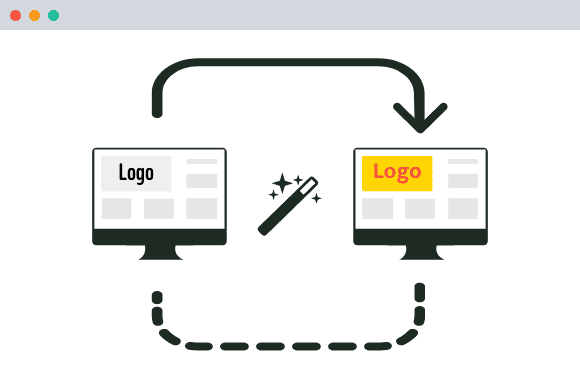
This WordPress logo changer plugin automatically updates your site’s logo for eCommerce holidays, seasons, awareness days, or any custom event. And you won’t need to log in or touch theme settings.
Whether it’s Christmas, Pride Month, Black Friday, or your company anniversary, your logo adapts automatically and keeps your website perfectly in tune with the occasion.
Why Every Website Needs an Occasion-Based Logo
When visitors see your logo adapt for a holiday or event, it tells them your business is active, thoughtful, and up to date.
But for most WordPress users, changing logos isn’t that simple. You have to:
- Replace the logo manually in theme settings
- Clear caches or CDN files
- Remember to change it back later
That’s where things often go wrong. Forgotten logos, mismatched versions, or outdated visuals stay live for weeks.
Multidots Doodle fixes that.
It lets you set up event-based logo changes once, and then handles everything automatically, even for recurring holidays.
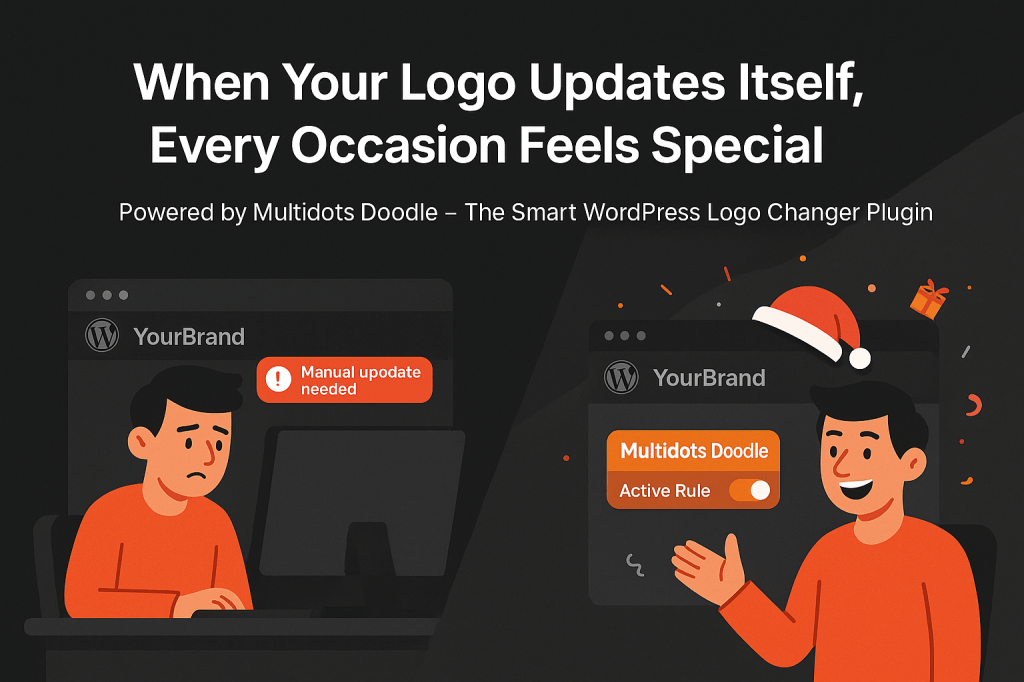
Multidots Doodle is a WordPress logo changer plugin that automatically updates your site’s logo for any special occasion such as holidays, seasonal campaigns, or awareness events.
You decide when and how your logo changes. The plugin takes care of the rest.
It’s like having a “set-and-forget” system for brand creativity.
Core Features of ‘Multidots Doodle’ WordPress Logo Changer Plugin
1. Occasion-Based Logo Rules
Users can ceate unlimited logo rules for different festivals, events, or campaigns.
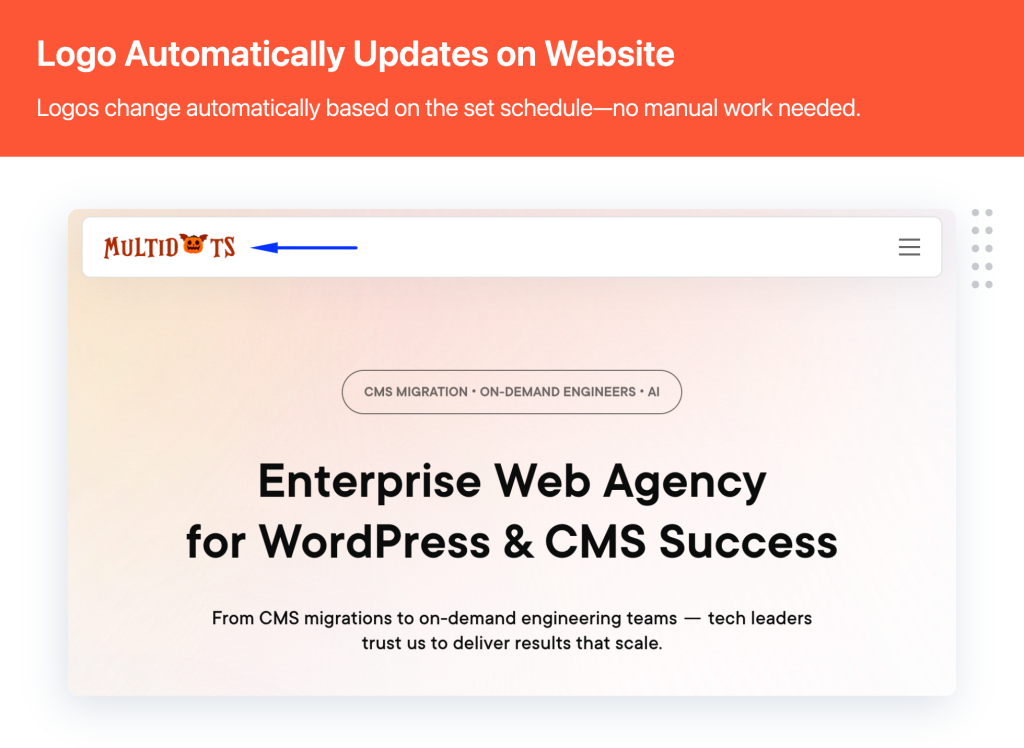
They can set custom start and end dates, and the plugin will automatically switch your site’s logo during that time.
They can even repeat the rule annually for recurring occasions like Christmas, New Year, or Independence Day.
2. Smart Logo Variants
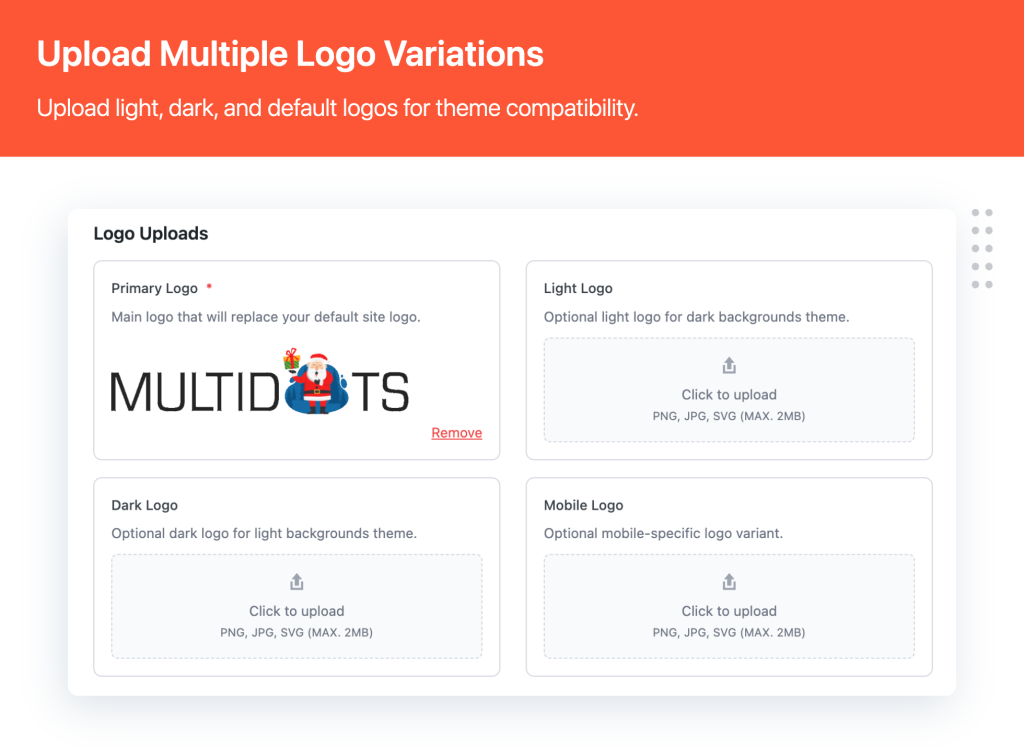
Websites can upload different logos for different modes and devices:
- Primary logo for default view
- Dark mode logo for visitors using dark themes
- Light mode logo for bright interfaces
- Mobile logo optimized for smaller screens
Multidots Doodle detects each user’s setup and displays the right logo automatically without the need for any extra configuration.
3. Automatic Detection and Switching
The plugin identifies the visitor’s device type and theme preference, then loads the matching logo instantly. Hence, there are neither caching issues, nor manual toggling; everything happens in real-time.
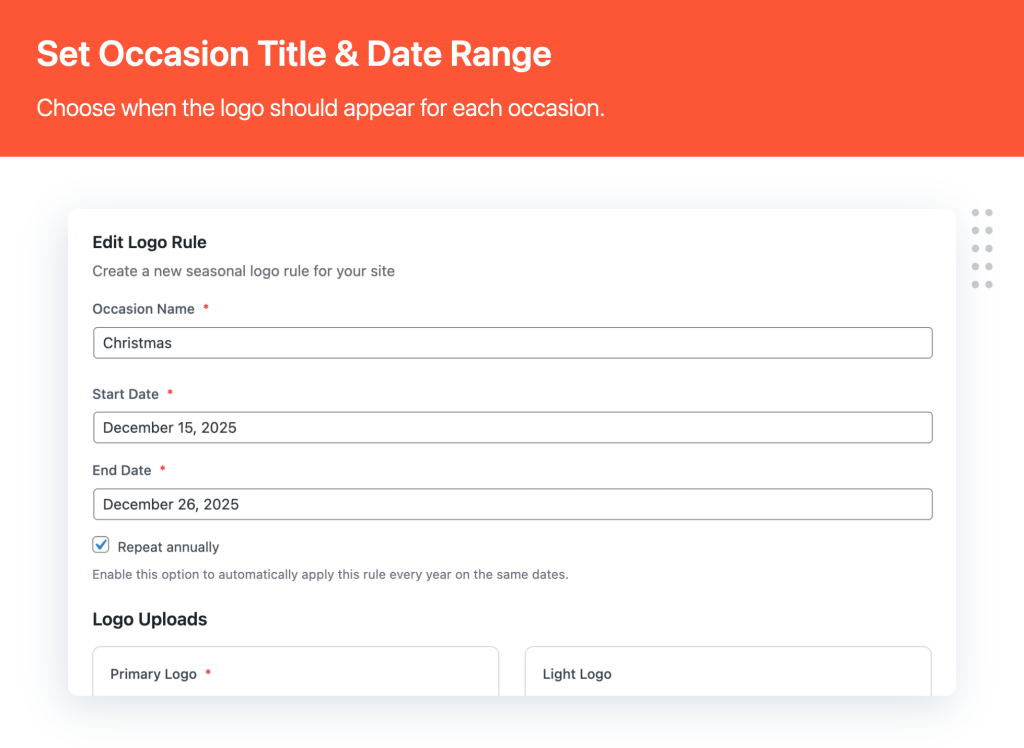
4. Simple Rule Management
Website owners can manage all their logos and schedules from one clean dashboard. They can easily enable, disable, or preview logo rules with a single click. The plugin is intuitive enough for beginners, yet flexible enough for professionals.
5. Developer-Friendly & Performance Optimized
Multidots Doodle is built with clean, well-documented code and WordPress best practices,so it works smoothly with any theme. Developers can extend functionality using hooks and filters, while site owners enjoy a lightweight, fast-loading experience.
With Multidots Doodle, you can:
- Set start and end dates for when specific logos should appear
- Support for primary, dark mode, light mode, and mobile-specific logos
- Smart detection of dark/light mode and mobile devices
- Set logos to appear automatically every year for recurring events
- User-friendly interface to manage all your occasion-based logos
How to Get Started with Multidots Doodle (in 3 Easy Steps)
You don’t need coding skills or theme editing to make your logos dynamic. Here’s how to set it up in just a few minutes:
Step 1: Install and Activate the Plugin
Download and install Multidots Doodle from your WordPress dashboard or upload the plugin ZIP file manually. Once activated, you’ll see a new menu item — Multidots Doodle — in your admin panel.
Step 2: Create a New Logo Rule
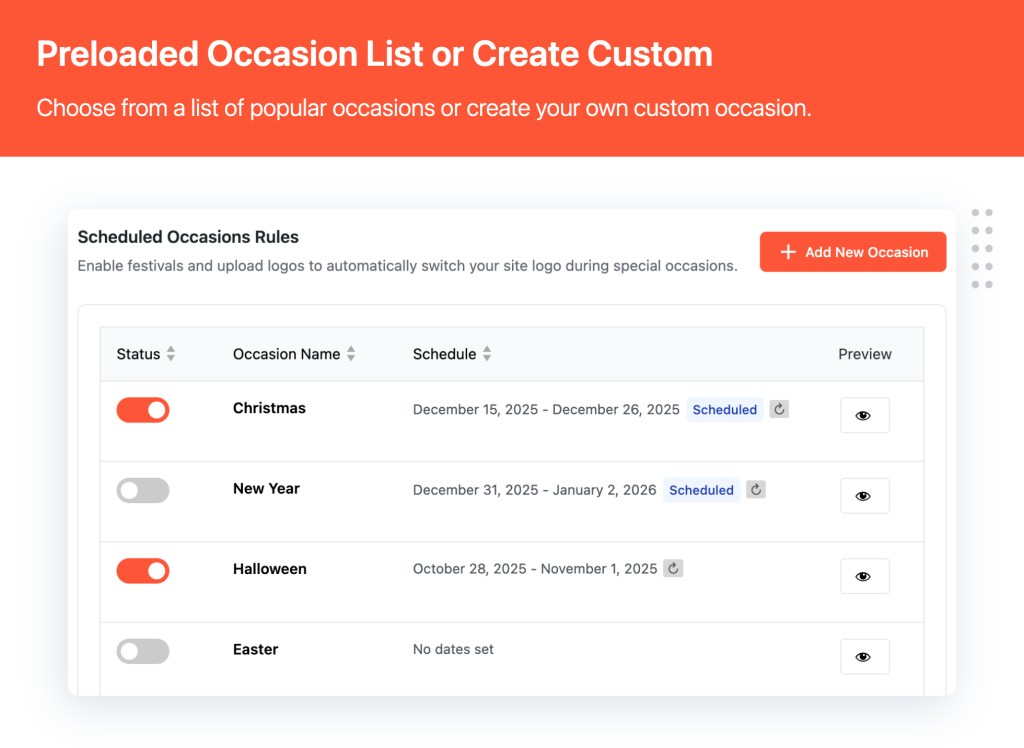
- Go to Multidots Doodle → Add New Rule.
- Give your rule a name (like “Christmas Logo”), select the start and end dates, and upload your primary logo.
- Optionally, you can also add:
- Dark mode logo
- Light mode logo
- Mobile logo
Check the “Repeat Annually” option if it’s a recurring event, and click Save Rule.
Step 3: Preview and Relax
Use the Preview option to test how your logo will appear on your site. Once confirmed, everything happens automatically. Your logo will update at the scheduled time and switch back afterward.
Your WordPress site is now ready to celebrate every season, campaign, and completely hands-free.
Why WordPress Users Love Multidots Doodle
- Keeps your branding consistent across dark mode, light mode, and mobile devices
- Saves time by automating all future logo changes
- Makes your site feel fresh and festive during every occasion
- Works seamlessly with any WordPress theme
- Lightweight, fast, and developer-friendly, with hooks and filters for customization
- Helps your brand look active, relevant, and human year-round
Final Thoughts
Your logo is one of the most recognizable parts of your brand. When it adapts to seasons, festivals, or events, it creates a stronger emotional connection with your visitors.
With Multidots Doodle, you can make that happen automatically without any manual uploads, theme edits, or last-minute panic before a holiday campaign.
Whether you’re preparing a festive version for Christmas, a limited-edition logo for your anniversary, or a themed design for Pride Month, Multidots Doodle switches logos automatically based on your schedule, visitor’s device, and theme mode. It’s simple, smart, and built to keep your website in sync with the world around it.
Download Multidots Doodle – The Smart WordPress Logo Changer Plugin.
Bring your brand to life with logos that change when it matters most.
Multidots Doodle
Allows you to automatically change your site’s logo based on occasions, festivals, or special events.