
WooCommerce Min/Max Quantity
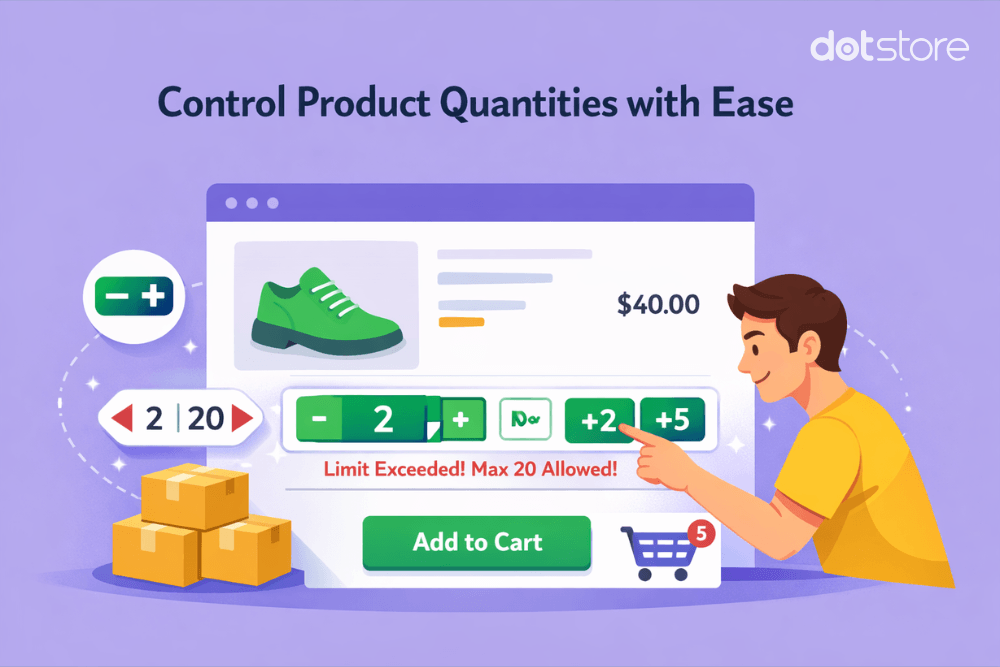
The 6 best WooCommerce quantity management plugins (Ranked)
We’ve handpicked the six best WooCommerce quantity management plugins that enable you to set minimum and maximum quantity limits, change default and step quantity values, along with condition-based rules like user roles, stock quantity, location, etc. On the hunt for the best quantity management plugins for WooCommerce? By default, WooCommerce gives store admins almost no […]
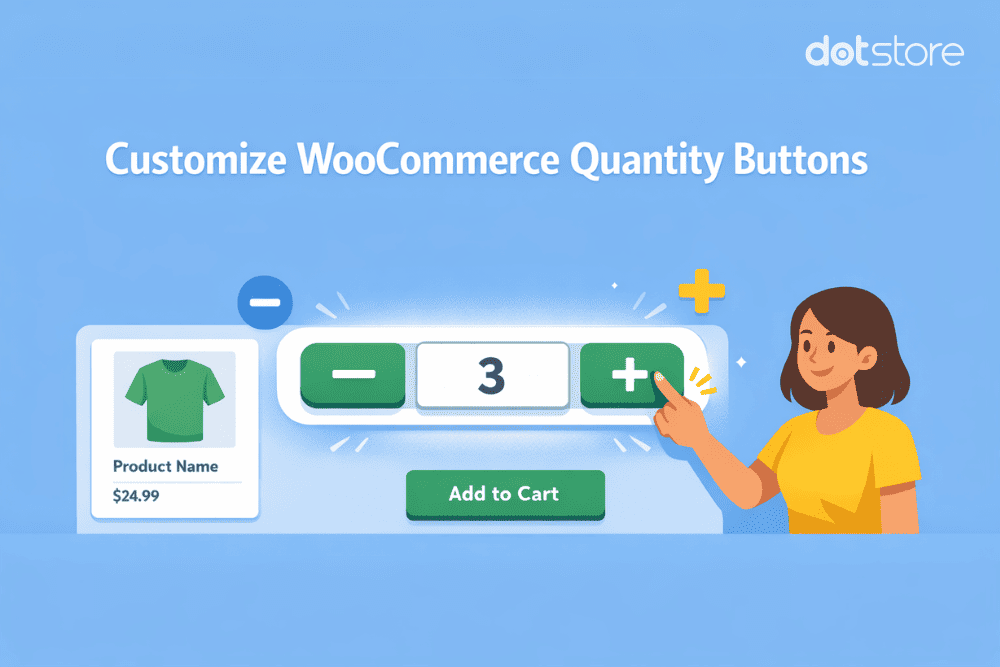
How to Customize the WooCommerce Quantity Selector
Quick answer: WooCommerce shows a plain number input by default. You can restyle it with CSS, add plus/minus buttons with a short jQuery snippet, or switch to a dropdown or radio layout. Set minimum, maximum, and step values by hooking into woocommerce_quantity_input_args. For rule-based control across products, categories, or user roles, a plugin handles it […]
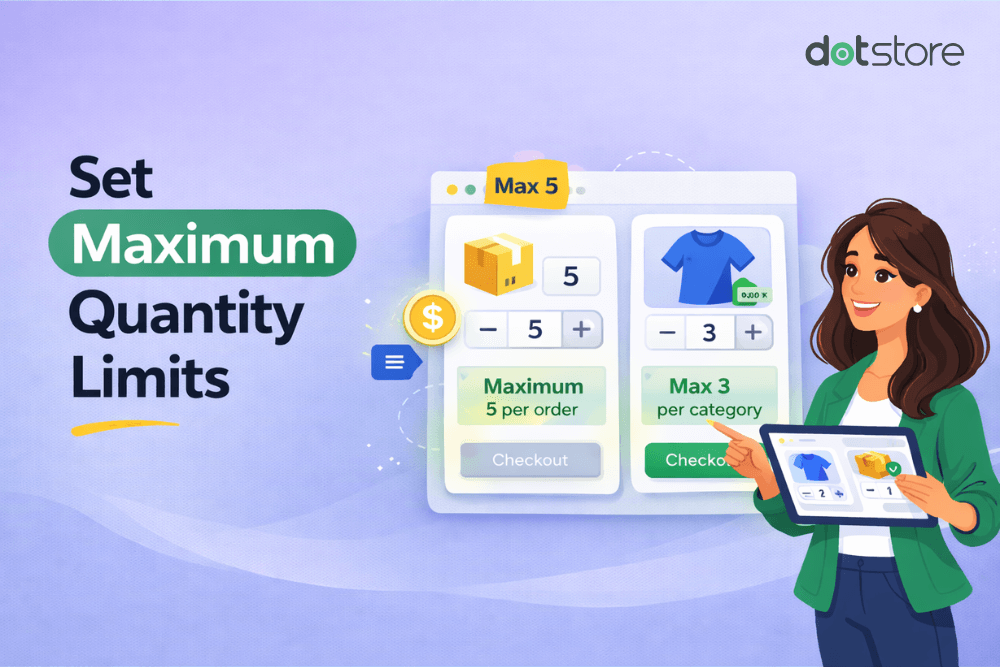
WooCommerce Maximum Quantity Per Product (Free Code)
Quick answer: WooCommerce has no built-in setting to cap how many units a customer can buy below your stock level. You can add a maximum quantity per product for free with two short pieces of PHP: one that caps the quantity input using the woocommerce_quantity_input_args filter, and one that enforces the cap at the cart […]
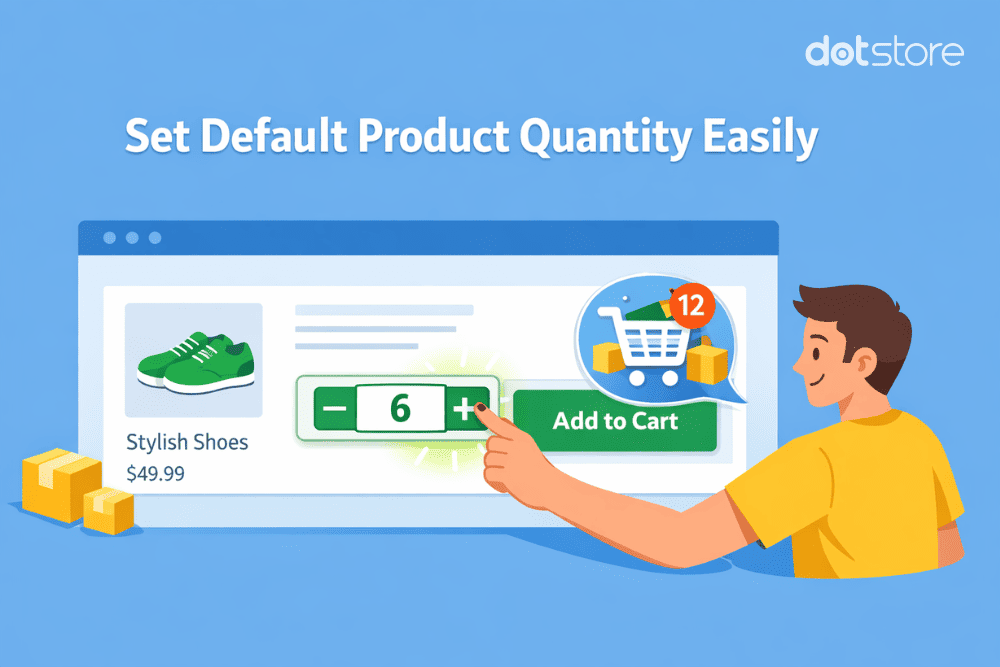
How to change the WooCommerce default quantity [Tutorial]
Do you want to change the number of pre-set units in the quantity field on your store’s product pages? In this in-depth tutorial, I’ll walk you through the steps to change the WooCommerce default quantity settings in your store, zero coding knowledge required. If you’re looking for a guide on how to modify the WooCommerce […]
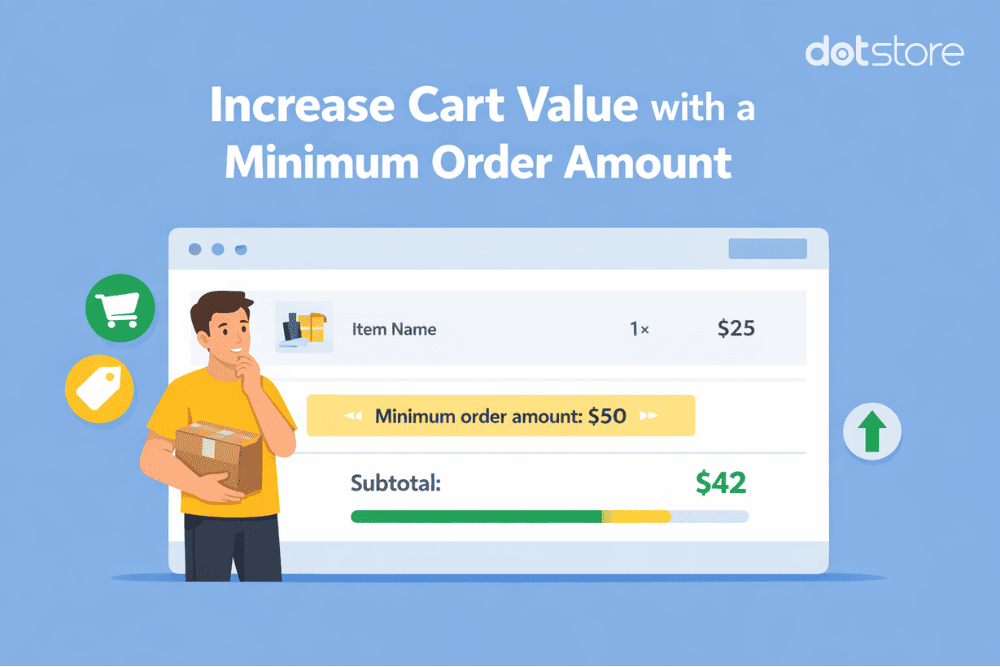
How to set a minimum order price or amount in WooCommerce [Tutorial]
Setting a minimum cart total threshold can help increase profitability and encourage larger-sized purchases in your online store. In this in-depth tutorial, I’ll walk you through the steps to define WooCommerce minimum order price limits — no coding skills required. I’ve seen many variations of these questions: They all mean the same. So, in this […]
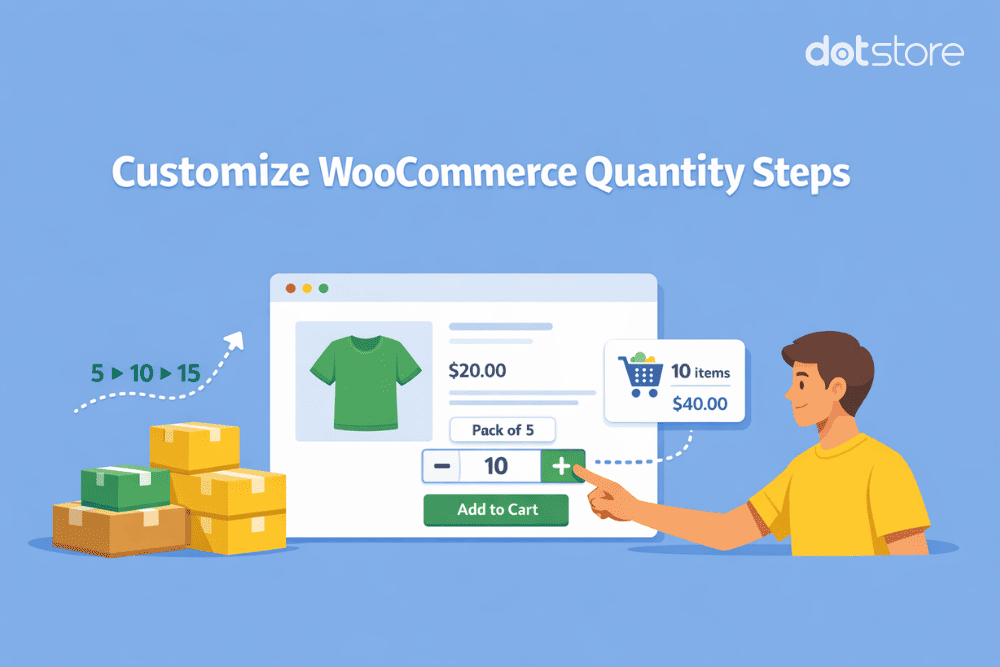
How to customize WooCommerce quantity increment buttons (Tutorial)
Would you like to change the WooCommerce quantity increment button in your online store? In this in-depth tutorial, I’ll show you how to adjust the step increment value to 2, 5, 10, or any other number so customers only purchase products in specific units. Searching for a way to customize your store’s WooCommerce quantity increment […]
![How to Customize WooCommerce Quantity Input Options [Best Methods] - featured image](https://www.thedotstore.com/wp-content/uploads/sites/1417/2026/03/How-to-Customize-WooCommerce-Quantity-Input-Options-Best-Methods-featured-image.png)
How to Customize WooCommerce Quantity Input Options [Best Methods]
Searching for how to modify the WooCommerce quantity input options in your online store? In this in-depth tutorial, I’ll walk you through the steps to enforce minimum purchase rules, define maximum quantity limits, allow customers to buy in specific quantity increments, adjust the default quantity, and change the style of the quantity selector button. If […]
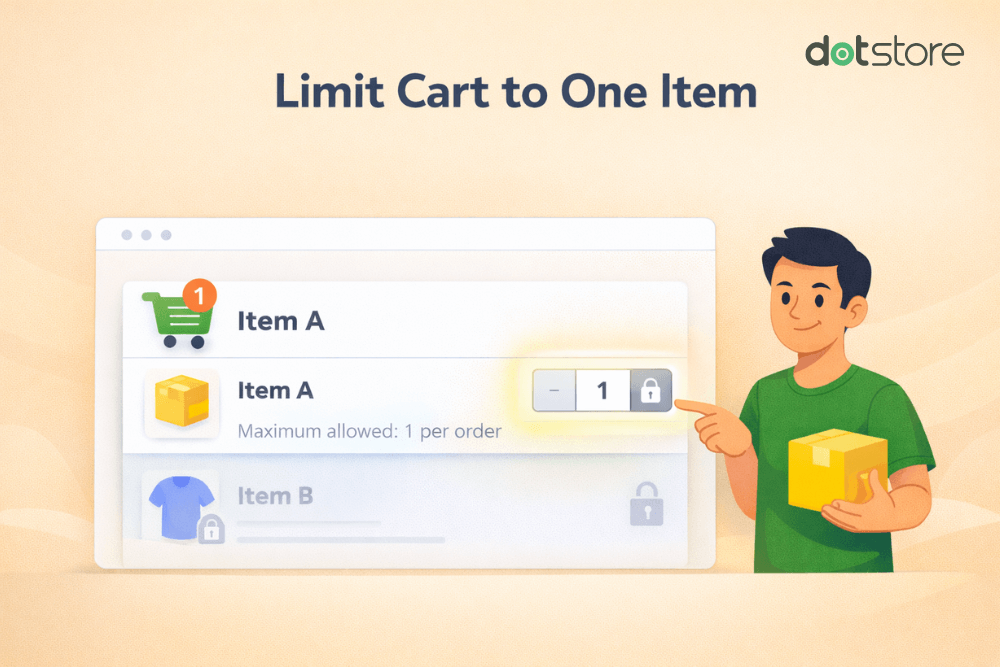
How to limit the cart quantity to 1 in WooCommerce
Do you want to only allow one product in the cart in WooCommerce? In this detailed tutorial, I’ll show you step-by-step how to limit cart quantity to 1 in WooCommerce. This will restrict customers from purchasing more than one product per order from your ecommerce store. I’ve been seeing many variations of these questions about […]
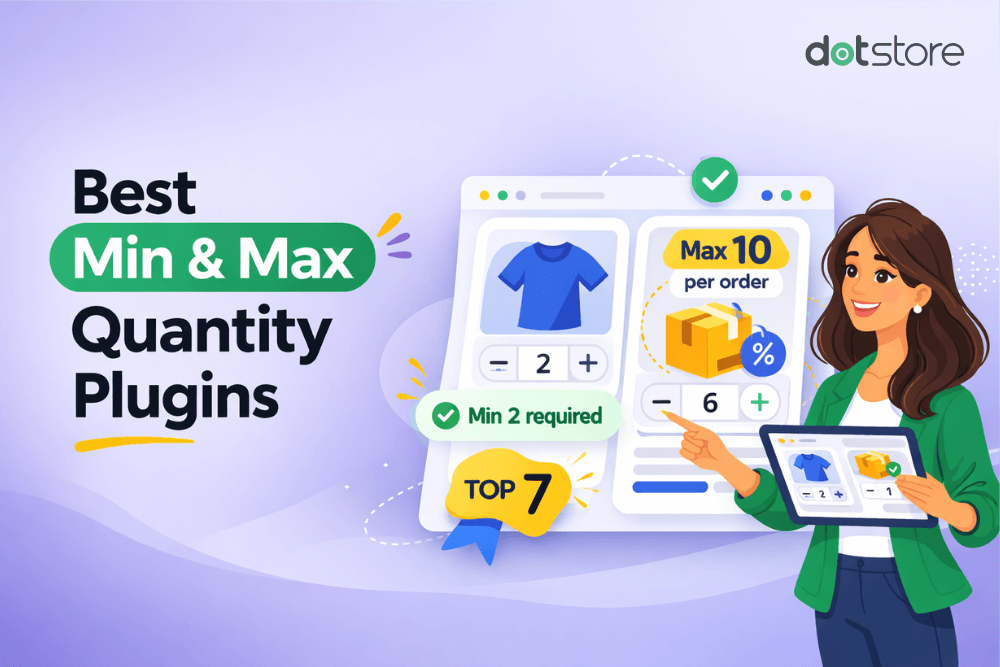
7 Best WooCommerce Min Max Quantity Plugins (Free & Paid)
We’ve compiled the 7 best WooCommerce min max quantity plugins that enable you to set up minimum, maximum, and step quantity limits, change the quantity selector button style, and empower you with abundant control over the product quantity settings in your ecommerce store. WooCommerce is chock full of a ton of useful features out of […]
How to Set Minimum Quantity Rules in WooCommerce (Best Method)
Adding minimum order quantity (MOQ) restrictions can help boost profitability, simplify order processing, and gently prompt customers to buy more from your online store. In this tutorial, I’ll show you step-by-step how to set WooCommerce minimum quantity rules per product, per product category, and per order — zero coding required. Trying to find out how […]
WooCommerce Limit Quantity: Code + Plugin Guide
Quick answer: WooCommerce has no built-in setting to limit purchase quantity beyond available stock. You can set a global minimum, maximum, and step increment for free with a few lines of PHP using the woocommerce_quantity_input_args filter plus a cart validation hook. A plugin is worth it when you need per-customer limits, per-attribute rules, or no-code […]
How to Set Up WooCommerce Quantity-Based Pricing [Step-by-Step]
Learn to set up quantity-based pricing, add a price table, configure discounts, and create a discount code or link in WooCommerce with this step-by-step guide.