Table of Contents
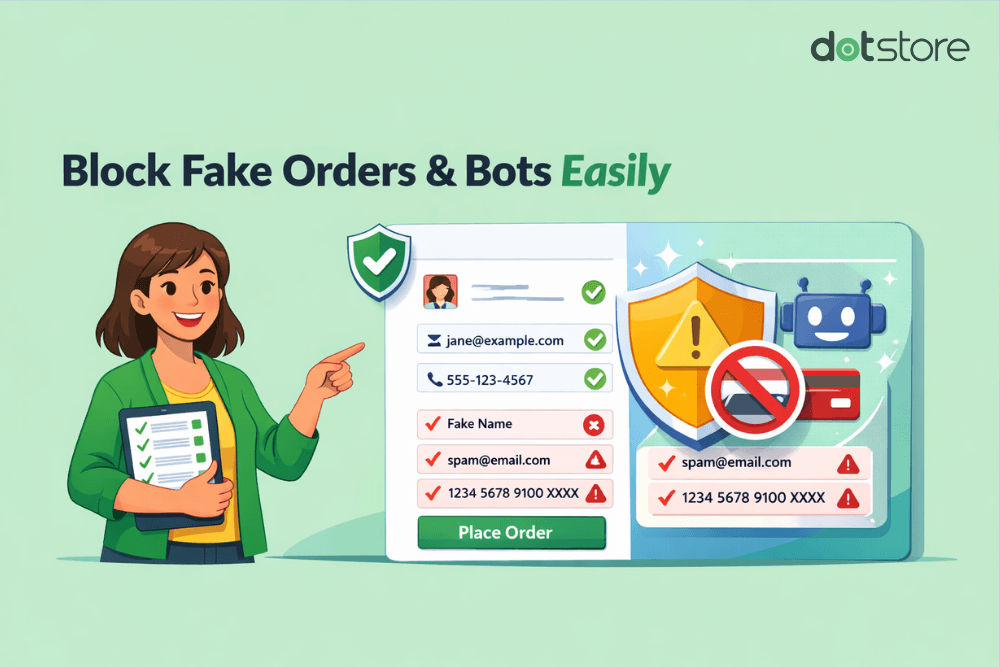
We’ve handpicked the 6 best WooCommerce spam prevention plugins that help you block fake orders, stop spam registrations, prevent card testing attacks, and safeguard your store from bot and human spam, without slowing down your site or hurting conversions.
Key Takeaways
- WooCommerce and WordPress’s default features alone can’t adequately handle modern spam threats.
- This roundup contains the top six WooCommerce spam prevention plugins that prevent fake registrations, fraudulent orders, bot-driven checkouts, spam content, and more.
- The best WooCommerce spam prevention plugin overall is WooCommerce Fraud Prevention by The Dotstore. It combines custom rules with AI to detect and filter spam in real time.
On the hunt for the best WooCommerce spam prevention plugins for your ecommerce website?
If you’re noticing a rise in spam user registrations, fake orders, card testing attacks, and/or spam comments in your WooCommerce store, you’ve probably realized firsthand that WordPress and WooCommerce’s default settings alone don’t provide sufficient protection against modern spam threats at scale.
Left unchecked, spam can slow down your site, corrupt your customer database, shrink your team’s capacity, damage your brand reputation, waste marketing spend, and wreak havoc in various other ways.
In this post, we’ve rounded up the top six WooCommerce spam prevention plugins, starting with WooCommerce Fraud Prevention by The Dotstore.
These anti-spam WooCommerce plugins will help you filter out and block bot and human spammers without degrading your site’s user experience, slowing down legitimate customers, or hurting your store’s conversion rate.
A quick note: Hello and welcome to The Dotstore’s blog! WooCommerce Fraud Prevention is our handcrafted plugin. Since 2017, thousands of WooCommerce store admins have used it to prevent spam registrations, orders, and spam traffic from bots and malicious users. It blocks disposable emails, blacklists suspicious IPs, temporary domains, and more, without impacting legitimate users’ experiences. Download its free or pro version, or try out its live demo now.
WooCommerce Fraud Prevention
Equip your store with our feature-rich fraud prevention plugin to reduce risk and safeguard your profits.
14-day, no-questions-asked money-back guarantee.
What makes the best WooCommerce spam prevention plugin?
All the best WooCommerce spam protection plugins do three things very well: (1) block spam effectively, (2) give store admins complete control without adding unnecessary complexity, and (3) preserve customers’ user experience on your site.
Here’s how those goals translate into plugin capabilities:
- Multi-layered spam protection. Bots have evolved to bypass simple CAPTCHA challenges with ease. As such, the best spam prevention plugins for WooCommerce combine CAPTCHA and/or reCAPTCHA with multiple spam detection methods, such as behavior-based detection that flags suspicious actions, IP and country blocks, and more.
- Spam prevention at multiple entry points. Top WooCommerce anti-spam plugins intercept various kinds of spam at multiple points of entry, including the checkout page (fake orders, card testing attacks), user registration forms (spam accounts), customer login forms (brute force attempts), and more.
- Smart spam filters. To reduce false positives and avoid blocking real customers, the best WooCommerce spam prevention plugins employ AI and/or pattern recognition rules that assign risk scores to each user and distinguish between real and fake users. Instead of hard blocks, you can adjust sensitivity levels, review flagged submissions before blocking, and whitelist trusted IPs or customers.
- Real time spam monitoring and logs. The earlier you can flag spam attacks, the easier it is to block them. Every top-tier WooCommerce spam protection plugin should enable you to detect spam activities in real time so you can block them. You should also be able to view detailed reports of suspicious activities and spam attempts, so you can analyze attempted attacks and future-proof your store from spam.
6 best WooCommerce spam prevention plugins
- WooCommerce Fraud Prevention by The Dotstore
- CleanTalk Anti Spam
- Akismet Anti-Spam
- Antispam Bee
- WP Armour – Honeypot Anti Spam
- Wordfence Security
WooCommerce Fraud Prevention by The Dotstore
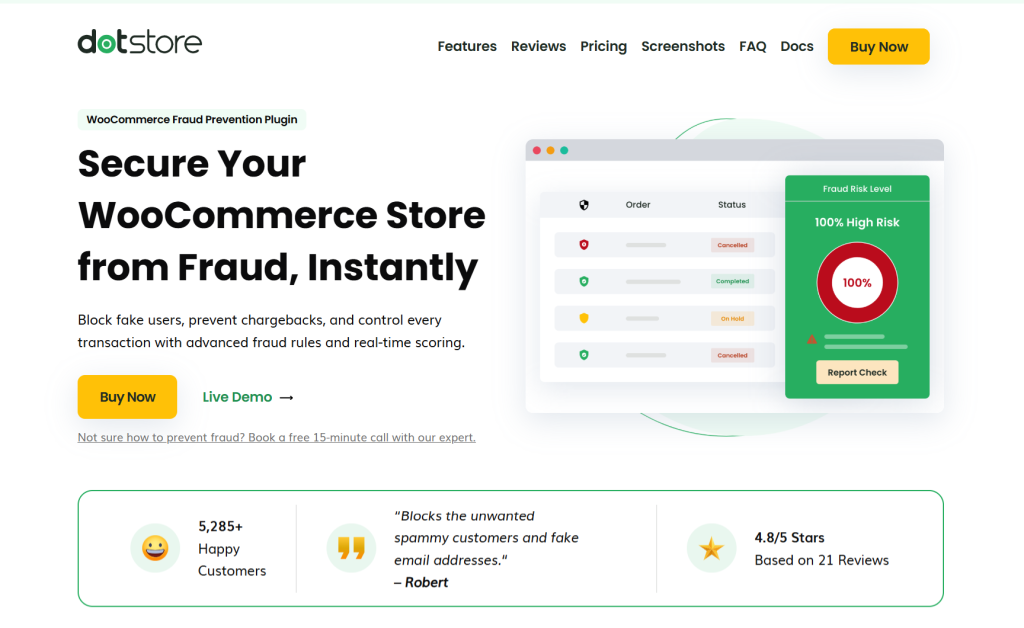
WooCommerce Fraud Prevention is a powerful WooCommerce spam prevention plugin that uses a rule-based plus AI-powered engine to prevent spam user registrations, brute force logins, card testing attacks, automated checkout attempts, fake orders, and other types of spam.
It evaluates every user interaction and action on your site (signups, orders, and browsing behavior) in real time against risk signals like users’ IP addresses, email addresses, domain reputation, billing vs shipping address mismatches, number of failed checkout attempts, browser type, origin country, and more.
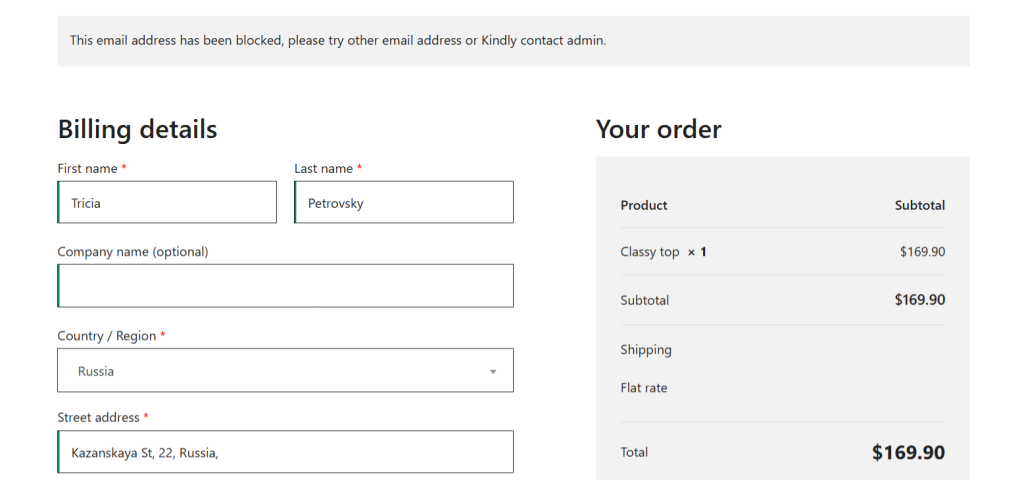
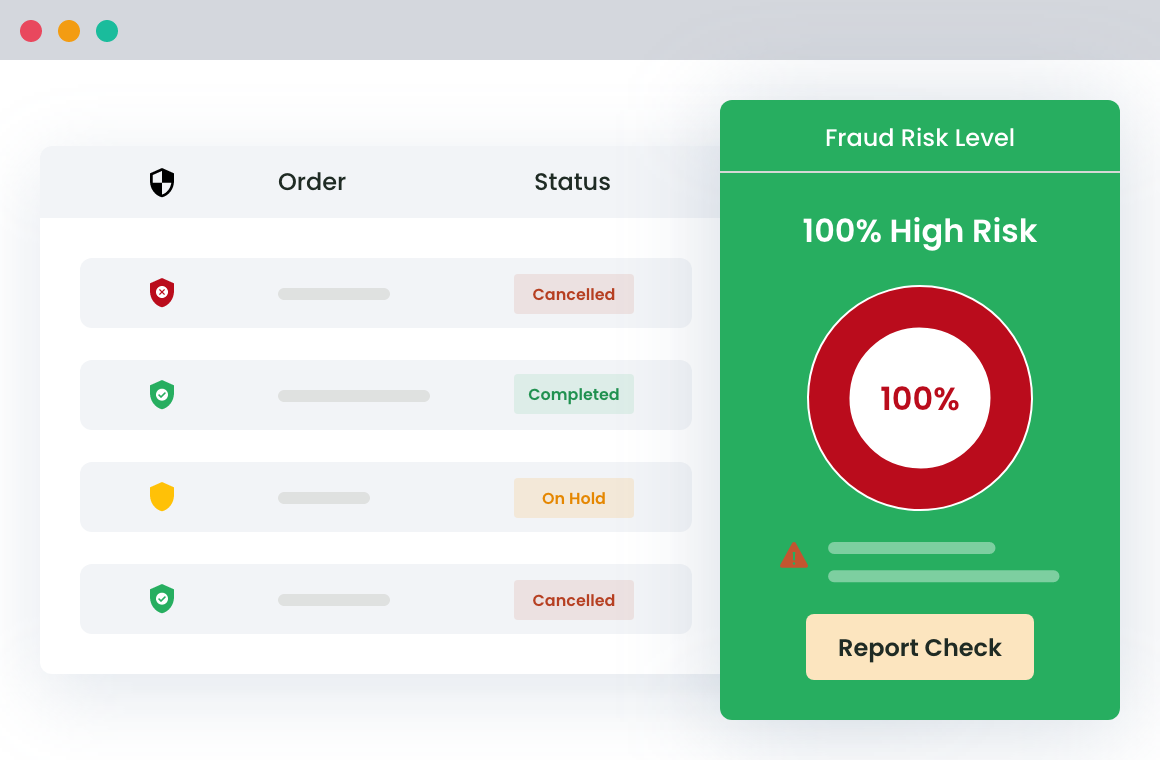
It then assigns a spam risk score. Depending on your configuration, registrations and orders from users who cross your defined threshold are put on hold for manual review or cancelled automatically. Blacklisted IPs and users are automatically blocked from your site. This goes a long way toward reducing chargebacks, payment gateway penalties, time wasted manually reviewing and deleting spam, as well as spam-related revenue loss.
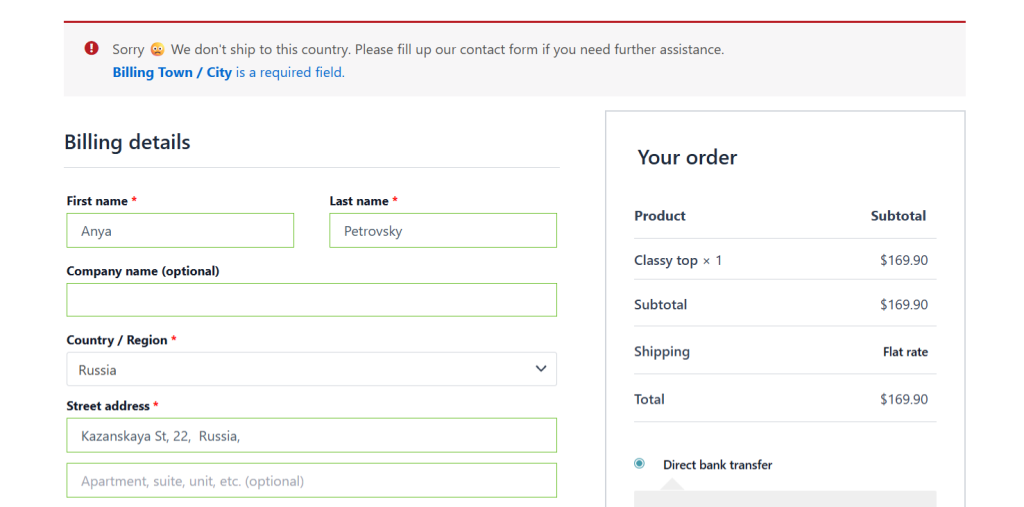
The best part? The WooCommerce Fraud Prevention plugin is super simple to use, even for non-technical folks.
Here’s an overview of its top features.
WooCommerce Fraud Prevention’s standout features
- AI-powered spam prevention. It uses AI (powered by Google and OpenAI) to analyse users’ actions on your site and identify repeated failed card attempts, suspicious IPs, inconsistent customer data, unusual buying behavior, and other high-risk behaviors. Based on your setup, users who exhibit high-risk actions are flagged for manual review or blocked.
- Customized rule-based spam prevention. In addition to its AI-powered spam detection engine, it lets you set custom rules that evaluate user signups and orders and flag or auto-block suspicious actions. These rules include email ID, phone number, billing country, email domains, geo location, etc.
- Comprehensive inbuilt analytics. The plugin includes a real time dashboard that shows recent orders received along with a breakdown of their risk profile, i.e., whether they are low, medium, or high risk. It also shows the number of blocked emails, paused and cancelled orders, total spend per customer, and other details. Blocked users are listed on a dedicated page, including their data. This information is invaluable for refining your store’s spam prevention rules over time.
- Blacklists. You can set up blacklists that block specific IPs, email addresses, domains, countries, or users from registering or placing orders on your website.
- Whitelists. To make sure your spam prevention efforts don’t impact your business revenue and site’s UX, it also lets you whitelist trusted customers, partners, or internal users to avoid affecting genuine customers.
Ready to get the best WooCommerce spam prevention plugin for your store? Download WooCommerce Fraud Prevention’s free or pro version, or check out its live demo now.
CleanTalk Anti Spam
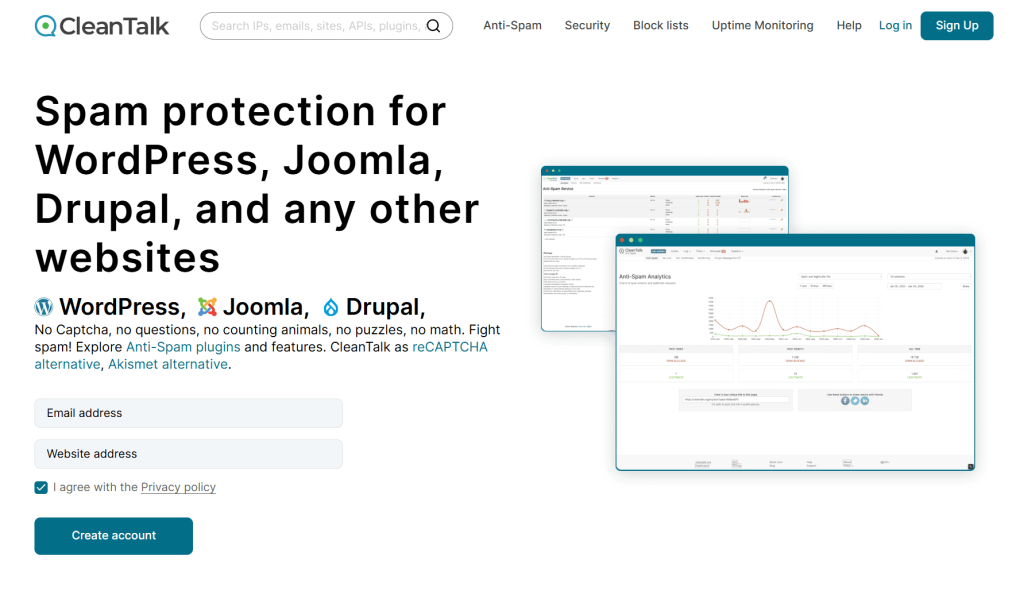
CleanTalk Anti Spam is a cloud-based spam protection service that runs in the background and filters signups, comments, orders, and other requests in real time to block spam from WooCommerce stores. You can connect it to your site via its API or the purpose-built Spam Protection, Honeypot, Anti-Spam by CleanTalk plugin.
CleanTalk Anti Spam’s advanced spam firewall lets you apply filters based on country, region, language, IP, network, specific words, etc. It sends key data points about every user action to its cloud for analysis and decides whether to allow it (legitimate users) or block it (spam bots or suspicious activities).
This analysis occurs before the data reaches your database, which prevents spam from being stored on your site. At the same time, every action is logged. So you can review what was blocked, where it came from, and how your filters are performing.
CleanTalk Anti Spam filters spam across all major interaction points on your website, including customer registrations, contact forms and emails, product reviews and comments, subscriptions, bookings, checkout page, custom forms, and widgets.
In addition to preventing new spam, it also scans existing users and comments to audit and clean up your database.
Akismet Anti Spam
With over 6 million active downloads, Akismet Anti Spam is probably the most widely used spam filtering plugin for sites built on WordPress.
It processes data across millions of websites. Over time, they have built a powerful shared intelligence system that can automatically filter spam comments and form submissions using a global database built from billions of spam signals.
It is a favorite amongst content-heavy WooCommerce stores that deal with reviews, blog comments, or contact form spam. Every time a user submits a comment or fills out a form on your site, it sends that data to its cloud-based system. It then compares the submission against its global spam database and decides whether to approve it, flag it as spam, or discard it.
Built and maintained by Automattic, this powerful anti-spam plugin integrates directly with WordPress comments, Akismet Anti Spam contact forms (via supported plugins), and tools like Jetpack Forms.
Akismet Anti Spam is an effective first-line spam protection plugin. However, it offers limited custom rule configuration and doesn’t reliably prevent spam orders and card testing attacks. In addition, it works by sending data through external servers, which may raise privacy considerations for some stores.
Antispam Bee
Antispam Bee is a free, privacy-focused WooCommerce spam protection plugin that blocks spam from user-generated content, whether that be via blog comments, product reviews, or trackbacks and pingbacks.
Once installed, it filters comments automatically using a combination of checks, like IP validation, local spam database matching, known spam patterns, and comment timing (which detects bots that submit forms too quickly).
Unlike cloud-based tools, Antispam Bee processes everything on your own server; no data is sent to third-party services, no external API calls, and no sharing of user IPs or comment data. This is a big advantage for WooCommerce stores that sell to customers in the EU or deal with strict compliance requirements such as GDPR.
It includes several additional useful controls like country-based filtering that blocks or allows users from specific regions, automatic spam cleanup that deletes spam after a set number of days, top-level spam detection analytics, and more.
That said, it doesn’t protect against spam in the checkout, registration, or contact forms. And it doesn’t include advanced AI-powered spam detection. So if your store is dealing with fake orders, spam registrations, and other more sophisticated kinds of spam, you’ll need to pair it with a more comprehensive plugin.
WP Armour – Honeypot Anti Spam
WP Armour is a honeypot-based spam protection plugin that filters spam from the user registration, contact, and checkout pages.
It adds invisible fields (called honeypot fields) to forms on your store. These fields aren’t obvious, so human users don’t fill them. Bots, however, are typically programmed to fill in every field they detect. The plugin then immediately flags and blocks submissions where the hidden field contains data.
WP Armour is extremely fast and resource-efficient. Everything runs locally on your site’s server; there are no API calls or external requests that slow down page loads.
Unlike basic honeypot spam prevention plugins for WooCommerce, it uses JavaScript to inject the honeypot field on the form, which makes it harder for bots to recognize the fields. It also generates unique field names per site to drastically reduce the chance of bots bypassing them.
Users on WP Armour’s pro version can enable protection against card testing attempts in the checkout flow, access detailed spam logs, track IPs, and automatically block repeat offenders.
That said, its spam prevention features aren’t airtight. For one, it doesn’t stop manual (human) spam submissions. Second, some advanced bots can bypass honeypot detection. In addition, it doesn’t offer deep rule-based filtering or AI analysis. For these reasons, it is best paired with other more advanced spam prevention plugins.
Wordfence Security

Wordfence Security is a full-stack WordPress security plugin that uses a combination of tools, such as brute force protection, login CAPTCHA, two-factor authentication (2FA), password security checks, and others, to create a comprehensive protection layer across your entire site.
Its core feature is its endpoint web application firewall (WAF) that runs continuous scans on your site’s server and inspects requests in real time. This safeguards against SQL injections, login attacks, spam submissions, exploit attempts, bot traffic, and malicious traffic.
Wordfence Security blocks spam at multiple levels. It compares your site’s files against the official WordPress repository, flags any unexpected modifications, like a plugin file being altered, and immediately alerts you to act on it. In addition, it enables you to create advanced blocking rules based on user behavior and IP addresses, restrict access by country, monitor live traffic and identify attack patterns, and more.
Its robust reporting tools provide complete visibility into your website’s activities. The live dashboard showcases bot activity and attack attempts, and you can enable security alerts to notify you about suspicious behavior. Users on the premium version can access audit logs that track user creation, plugin installs, configuration updates, and other changes.
As an all-purpose security plugin, Wordfence Security is best suited for providing site-wide protection against bot traffic, login abuse, or targeted attacks.
What is the best WooCommerce spam prevention plugin for your store?
Spam occurs in various forms. We recommend WooCommerce Fraud Prevention by The Dotstore as the best WooCommerce spam prevention plugin overall because it protects against different types of spam, such as spam user registrations, card testing attacks, fake orders, and others.
It uses a rule-based plus AI-assisted approach to evaluate each registration and order against conditions like email address, domain reputation, IP address, user location, billing and shipping address matches, and other user behaviors. Based on your configuration, registrations and orders that cross your defined risk level are put on hold or blocked instantly.
WooCommerce Fraud Prevention’s in-depth reports showcase recent orders together with an overview of their risk profile, total spend per customer, paused and cancelled orders, the number of blocked emails, and other details.
The best part? The plugin is super easy to use. It takes less than ten minutes to configure, even for non-technical folks.
Download WooCommerce Fraud Prevention’s free or pro version, or test out its live demo to see how it works.
WooCommerce Fraud Prevention
Equip your store with our feature-rich fraud prevention plugin to reduce risk and safeguard your profits.
14-day, no-questions-asked money-back guarantee.