Table of Contents
You open Shopify payouts after a busy week and find the deposit is lower than the order totals. Before blaming a single “Shopify checkout fee,” identify which charges created the gap.
A store-added surcharge, Shopify Payments processing, Shopify’s third-party transaction fee, gateway processing, currency conversion, and a buyer’s bank charge are different costs. They have different owners and appear in different places.
What Merchants Mean by Shopify Checkout Fees
There is no universal Shopify checkout fee. The amount a customer pays can differ from the amount a merchant receives for several reasons.
On a domestic card order through Shopify Payments, the customer sees the order total, while payment-processing charges reduce the merchant’s proceeds. Using Shopify Payments generally avoids Shopify’s additional third-party transaction fee, not processing costs.
With an outside gateway, the provider can charge for processing and Shopify can add a plan-dependent transaction fee. On an international order, conversion charges or a buyer’s bank fee may also apply. A merchant-added surcharge is part of the customer’s order total, not a Shopify fee.
Put each charge in the right bucket
- Merchant surcharge or discount: A customer-facing adjustment set by the store.
- Shopify Payments processing: A merchant cost that depends on the plan and payment details.
- Shopify third-party transaction fee: A separate, plan-dependent charge that can apply when using an outside provider.
- Gateway processing: Charges set by the external payment provider.
- Currency or bank charges: Conversion can affect proceeds; a buyer’s issuer may charge a foreign-transaction fee outside the store’s control.
Payout habit: Compare the order, payment-provider settlement, and Shopify billing before changing a checkout setting.
First determine what the customer paid, what Shopify charged, and what the provider or bank retained. Then decide which cost, if any, the store can address.
How Plan and Payment Choice Change the Bill
An outside gateway can mean three costs: the Shopify subscription, the provider’s processing charges, and Shopify’s additional transaction fee. The percentages below are Shopify’s third-party transaction fees, not gateway processing rates.
Shopify’s U.S. pricing page lists these monthly-billing prices and third-party transaction fees:
| Plan | Monthly-billing price | Third-party transaction fee | Fee on a $100 order before gateway processing |
|---|---|---|---|
| Basic | $39/month | 2% | $2.00 |
| Grow | $105/month | 1% | $1.00 |
| Advanced | $399/month | 0.6% | $0.60 |
| Plus | From $2,300/month | 0.2% | $0.20 |
Annual billing offers lower monthly-equivalent prices for Basic, Grow, and Advanced. These are U.S. figures; check Shopify’s current prices and rates for your region and billing term. The $100 examples exclude gateway processing and other adjustments.
Advanced’s 0.6% fee is 70% lower than Basic’s 2% fee, but its subscription costs more. Calculate total monthly costs using your actual payment mix and order volume.
Compare the full cost
For each plan and payment route, include the subscription, processing percentage, fixed per-order charges, and any Shopify third-party transaction fee. Keep Shopify Payments and outside-gateway estimates separate.
A cash-on-delivery handling charge is different: it is a customer-facing fee set by the store. This guide to Shopify cash-on-delivery transaction fees explains the distinction.
Upgrade only when the expected savings outweigh the higher subscription cost.
Why Country Changes Shopify Payments Fees
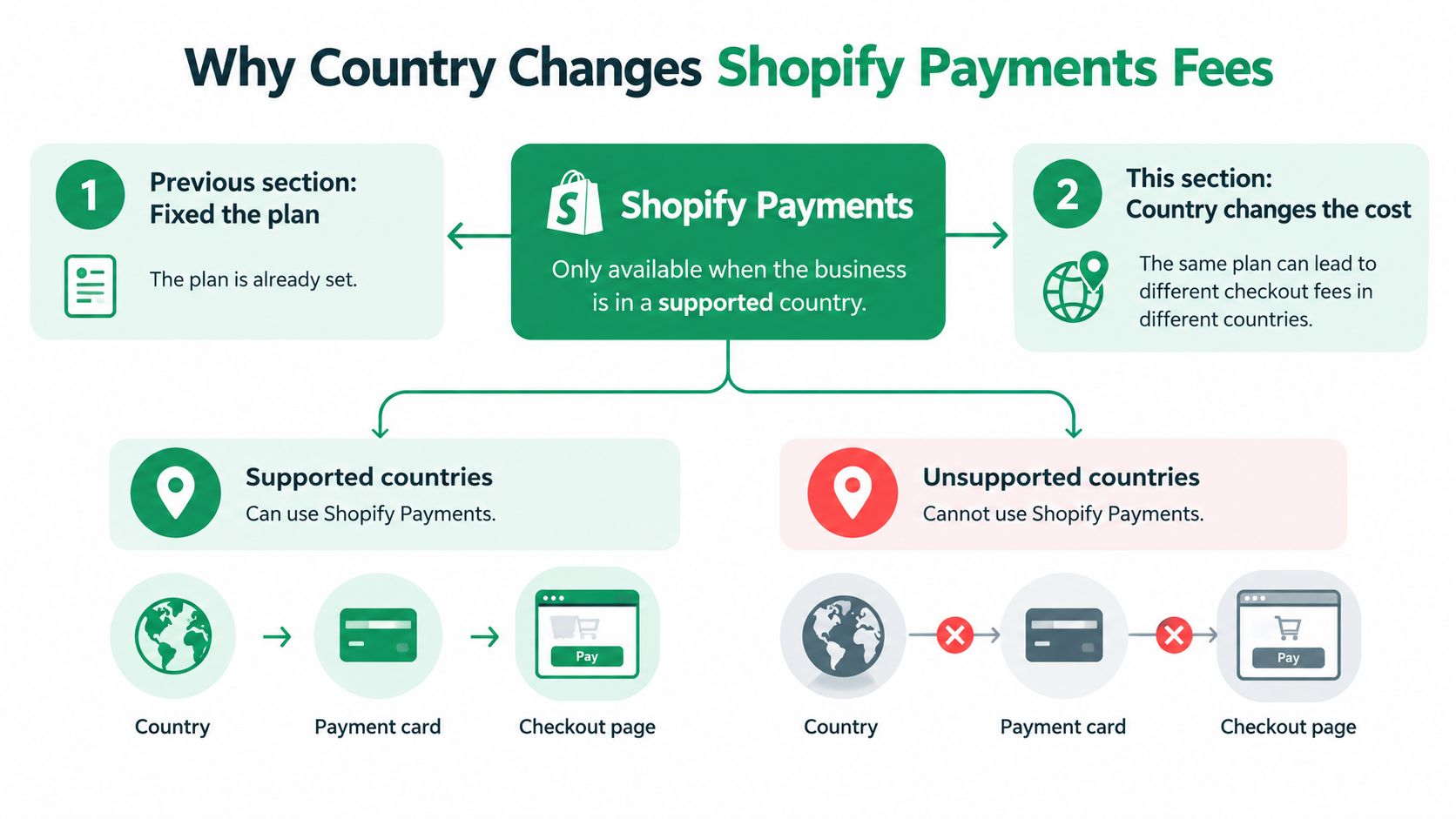
Shopify Payments is available only to businesses in supported countries. Business location can affect eligibility, verification, payment methods, currencies, and payouts. Check Shopify’s supported-country documentation before planning a payment setup.
Availability has expanded to markets such as the Netherlands and Denmark, alongside Australia, Canada, Germany, Hong Kong, Ireland, Japan, New Zealand, Singapore, Spain, the United Kingdom, and the United States. The documentation is the current reference. Outside supported regions, merchants generally need another gateway, which can mean both gateway processing and Shopify’s third-party transaction fee.
Build a market sheet before setting rules
For each market, record the business location used for eligibility, available payment methods, verification and payout requirements, buyer-facing currency, settlement currency, and whether an outside gateway is needed.
Keep buyer-facing currency separate from settlement currency and conversion charges. They can affect what the buyer pays and what the store receives in different ways.
Use that market sheet to assess costs before configuring a surcharge. A store can set its own fee, but it cannot change Shopify’s, a provider’s, or a buyer’s bank’s charges.
Deciding Whether a Customer Fee Is Fair
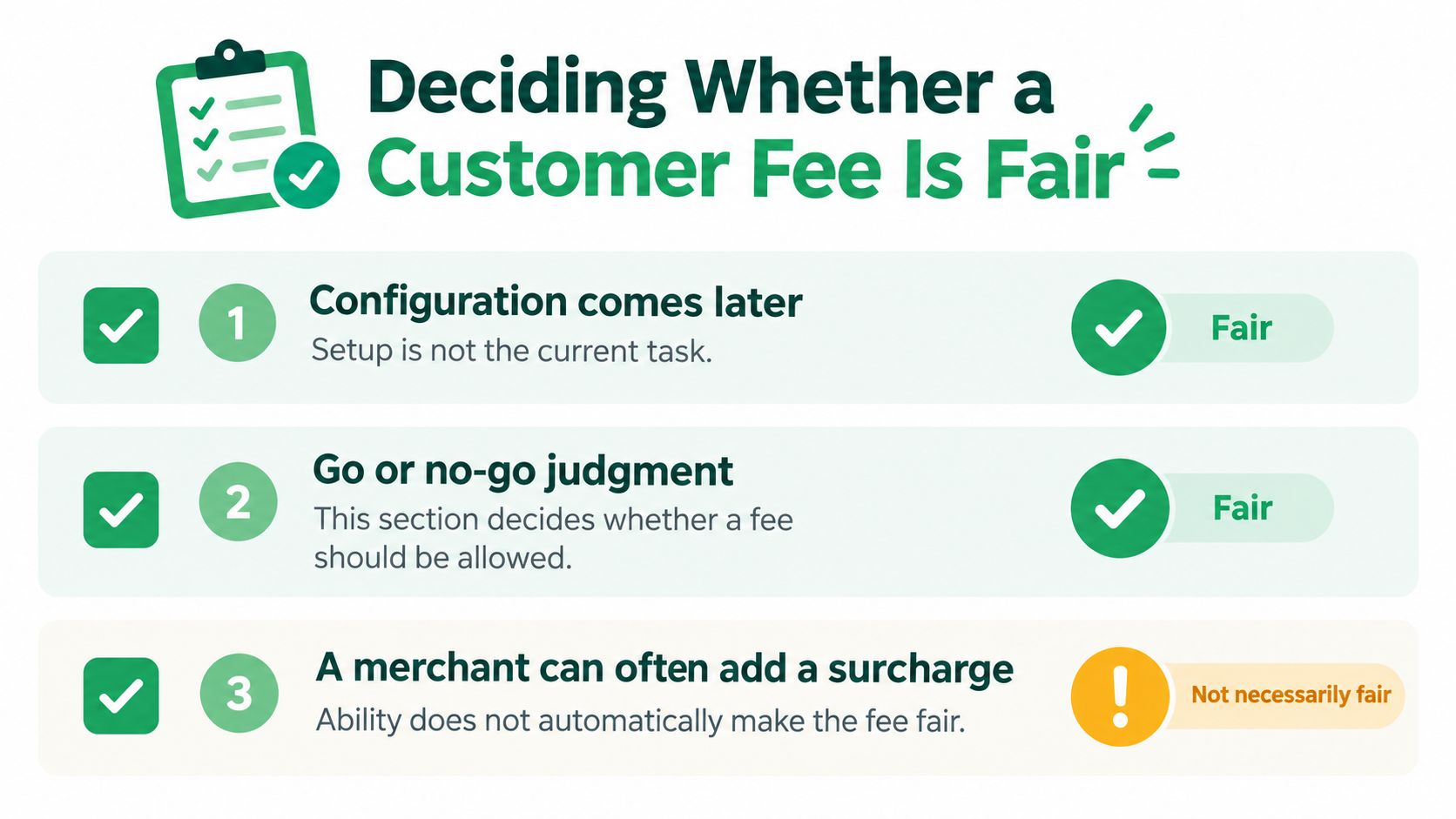
A surcharge can be technically possible without being lawful, clear, or worth the checkout friction. Decide whether the charge is permitted, who controls the underlying cost, and when the customer sees it.
Shopify’s international pricing guidance says Managed Markets can include product fees, taxes, and currency-conversion fees in a local price. That can give buyers an all-inclusive price. It does not give the merchant control over a foreign-transaction fee imposed by the buyer’s bank, which can apply even when the buyer pays in local currency.
| Fee type | Who controls it | Practical decision |
|---|---|---|
| Merchant surcharge | Store | Charge only where permitted and disclosed; otherwise absorb it or include it in pricing |
| Shopify platform transaction fee | Shopify | Treat it as a merchant cost, not a Shopify fee charged to the buyer |
| Payment-provider processing | Provider | Compare routes, then absorb or price transparently |
| Currency-conversion charge | Depends on the setup | Review market pricing and disclose relevant costs before payment |
| Buyer’s foreign-transaction fee | Buyer’s bank or issuer | Do not present it as a store surcharge or promise to control it |
Decide what the buyer should see, and when
A fee that appears only at the final payment step can surprise buyers. Disclose payment-method charges before the buyer commits to that method.
Create a decision matrix by market, payment method, and fee type. Mark each combination pass through, absorb, or do not charge. For unavoidable costs, consider an all-inclusive product or cart price instead of a last-step line item. Review the rules for each market before implementation.
For more on customer-facing fees, see this guide to Shopify credit card surcharges.
Building Rules That Hold at Checkout
Once a customer fee is approved, define its eligible markets, shipping zones, cart values, products or subscriptions, payment methods, currencies, and customer segments. Set precedence if discounts or multiple fees overlap.
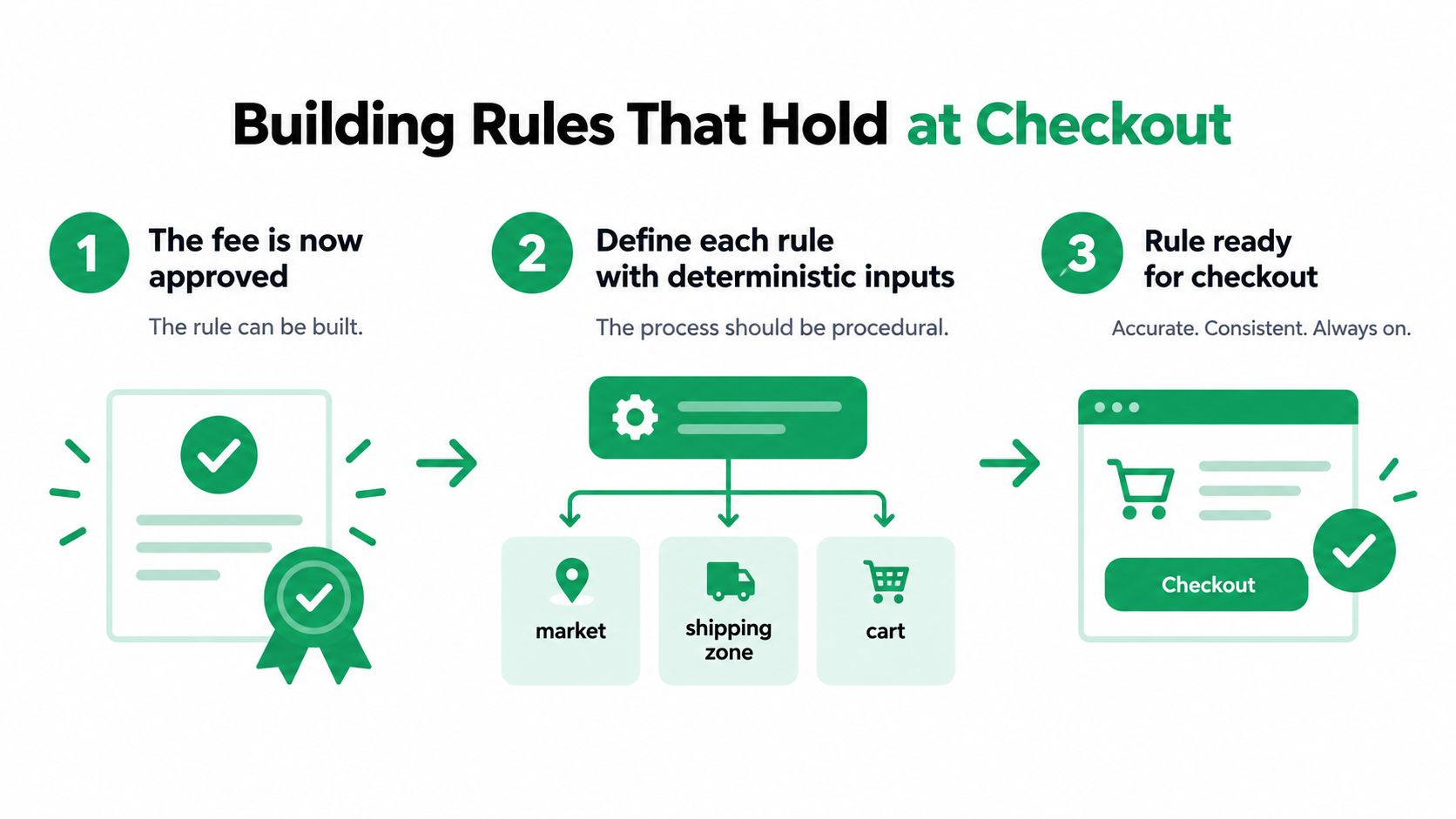
Shopify’s Cart and Checkout Validation API can block prohibited combinations before a customer proceeds. Validation does not prove the fee amount, tax treatment, or eventual payout is correct.
Test every input that can change the result
Test domestic and cross-border cards; Shopify Payments and outside gateways; discounted and full-price carts; tax-inclusive and tax-exclusive pricing; carts with and without shipping; and full and partial refunds.
Check what happens when the customer changes the cart or payment method, rules overlap, currency rounding differs, or a refunded order retains Shopify’s third-party transaction fee.
Implementation check: Passing validation means the customer can proceed. Reconcile the order, tax lines, gateway, and settlement separately.
For each test and live rule, log its ID, inputs, calculated amount, currency, and final order total. This guide to adding a handling fee in Shopify offers another way to assess a checkout charge.
Choosing a Fee App and Auditing the Result
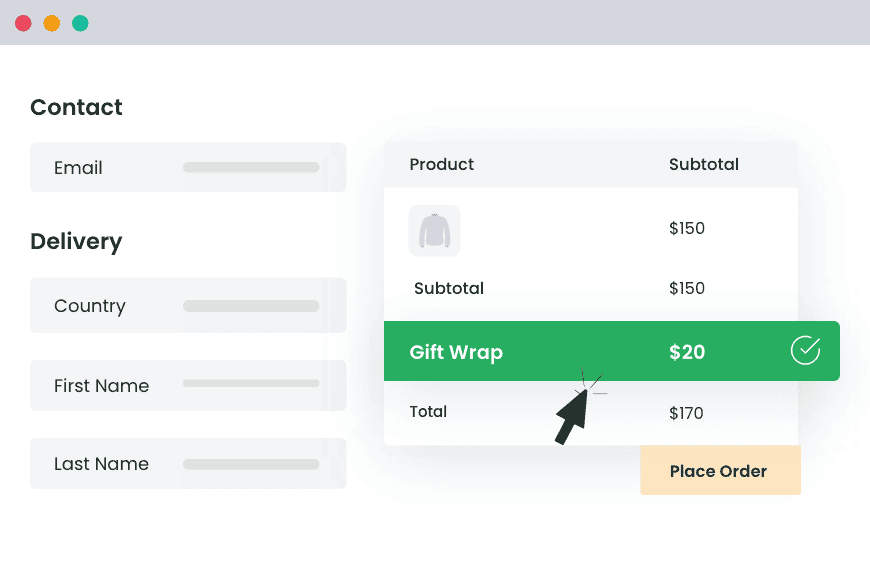
A store can absorb checkout costs, include them in prices, or add a permitted, clearly disclosed surcharge. Native validation can enforce eligibility; conditional charges or discounts may require a rule-management tool. Keep any merchant-added fee distinct from Shopify’s and a provider’s charges.
Dotstore develops and supports its Shopify Extra Fees Manager in-house. Its published support policy targets a first reply within one business day on weekdays, and its refund policy offers a 14-day money-back guarantee. Check the product information for terms.
Shopify Extra Fees Manager
Add dynamic checkout fees for add-ons, upcharges, surcharges, etc., to your Shopify store — the easy way!
14-day, no-questions-asked money-back guarantee.
For stores comparing platforms, the WooCommerce Extra Fees Plugin supports conditional fees, surcharges, and optional service charges without coding. Rules can use products, cart totals, location, payment and shipping methods, weight, quantity, and user role.
Reconcile orders against billing and settlement
For each payment method, record the subtotal after discounts, tax, shipping, currency, gateway, capture status, and merchant-added fee. Compare the order against Shopify billing for the same 30-day period and the provider’s settlement report.
Shopify calculates its third-party transaction fee on product cost minus discounts, plus tax and shipping, multiplied by the applicable plan rate. Shopify says the fee is additional to gateway processing and is not returned after a refund. Shopify Payments, Shop Pay, Shop Pay Installments, and manual payment methods generally avoid that extra fee; outside gateways can incur it. See Shopify’s third-party transaction-fee documentation for calculation and refund details.
Reconcile at least one real order per market and payment method before rolling out a fee rule. Then sample orders weekly to catch changes in gateways, currencies, or rule behavior.
Conclusion
Start with a real order: label each charge, compare the order with Shopify billing and provider settlement, and confirm what the customer saw. If you add a fee, check market rules, disclose it before payment, and test discounts, currencies, payment switches, and refunds. Repeat the audit so payout gaps stay explainable.
Frequently Asked Questions
Does Shopify charge a fee for every checkout?
There is no single Shopify checkout fee. Shopify Payments processing may apply; an outside gateway can charge processing fees and trigger Shopify’s third-party transaction fee.
Can I add a fee for customers at checkout?
Where your checkout setup and applicable rules permit it, yes. Disclose the merchant-added charge before payment and keep it distinct from fees charged to you by Shopify or a provider.
Does using Shopify Payments avoid all transaction costs?
No. It generally avoids Shopify’s additional third-party transaction fee, but processing charges can still apply.
Are Shopify’s third-party transaction fees refunded when I refund an order?
No. Shopify says these fees are not returned. Check the provider’s terms for its processing charges.
How can I tell which fee reduced my payout?
Compare the order with Shopify billing and the provider’s settlement. Review merchant-added fees, processing charges, third-party transaction fees, and currency adjustments separately.