Table of Contents
Looking for an alternative to WooCommerce? We’ve compared the 7 best WooCommerce alternatives for selling from your own website, including hosted platforms and WordPress-based options.
Key Takeaways
- There’s no universal “best alternative to WooCommerce”. Different ecommerce platforms have different trade-offs.
- The right ecommerce platform for your store depends on what you sell, your technical capabilities, budget, how much ownership you want over your tech stack, among other factors.
- Choose a hosted platform like Shopify, BigCommerce, Wix, or Squarespace if you want less technical maintenance.
- If you plan to stay within the WordPress ecosystem, consider ecommerce plugins like Easy Digital Downloads (EDD), SureCart, or MemberPress.
- Before choosing a WooCommerce alternative, consider key factors like product limits, revenue caps, transaction fees, scalability, integrations, multichannel selling, and the platform’s total cost of ownership.
As a software development company that has been building ecommerce software since 2016 (at The Dotstore, we have 20+ ecommerce plugins and apps used by 100K+ stores), it’s safe to say that we’re certified fans of WooCommerce.
But we also know that for various reasons, WooCommerce may not be the right ecommerce platform for every online business.
In this guide, we’ll explore the seven best WooCommerce alternatives that empower you to sell through your own website.
Considering that there are different reasons why you may be looking for an alternative to WooCommerce, we’ve included both hosted ecommerce platforms and WooCommerce alternatives for WordPress.
For each one, we’ll cover what it’s best suited for, where it differs from WooCommerce, and what to consider before you decide to build your online store on it.
Before you switch platforms, check whether you can solve your store’s specific challenges with the right tools. Check out Dotstore’s catalog of WooCommerce plugins and Shopify apps for everything from pricing and shipping to product management, custom fees, and more.
7 best WooCommerce alternatives at a glance
In a rush? Here’s an overview of the seven best WooCommerce alternatives. Read on for a detailed explainer on how each platform works.
| Platform | Best suited for | Hosting | Cost | Standout feature | Main drawback |
| Shopify | Stores that want a fast launch and fully managed infrastructure | Hosted (included) | From $39/mo ($29/mo billed annually); Plus from $2,300/mo | Mature app ecosystem, built-in checkout and POS | Surcharge on third-party payment gateways; limited checkout control below Plus |
| BigCommerce | Growing stores that need B2B, multi-storefront, and built-in features | Hosted (included) | From $39/mo ($29/mo billed annually) | Unlimited products and staff accounts on every plan | Revenue-based plan caps and a payment provider fee introduced June 2026 |
| Wix | Small businesses that want drag-and-drop design freedom | Hosted (included) | Selling plans from $29/mo (billed annually) | Easy visual editor with bookings, dropshipping, and loyalty tools built in | Closed platform; hard to move your site elsewhere |
| Squarespace | Design-led brands with small to mid-size catalogs | Hosted (included) | From about $19/mo (billed annually); about $29/mo to drop fees on physical goods | Polished templates and an all-in-one setup | Transaction fees on the lowest plan; single-currency storefront |
| Easy Digital Downloads (EDD) | Digital downloads, software, and licensing | Self-hosted WordPress | Free core; passes from $99.50 for year one | Purpose-built digital delivery | Not built for physical goods; renewals double |
| SureCart | Digital products, subscriptions, and services on WordPress | WordPress plugin plus SureCart’s cloud | Free (1.9% fee) or Pro from $179/yr | Block-based checkout with order bumps and upsells | Weaker for complex physical catalogs |
| MemberPress | Memberships, online courses, and gated content | Self-hosted WordPress | From $399/yr ($199.50 for year one) | Content access rules plus courses | Not a store builder; 4.9% fee on the Launch plan |
Why would I need a WooCommerce alternative?
WooCommerce is one of the largest ecommerce platforms in the world. It powers nearly 7 million websites across apparel, B2B, B2C, digital goods, subscriptions, and more.
But popular doesn’t automatically mean that it’s the right ecommerce platform for your specific business. Here are the most common reasons store admins start hunting for a WooCommerce alternative.
Here’s a brief rundown of the top reasons you might need an alternative to WooCommerce:
- Maintenance. As a self-hosted platform, site admins are responsible for keeping WooCommerce updated. This includes server hosting, backups, security patches, and updates for WordPress, WooCommerce, as well as themes and plugins. Of course, using a top-notch managed host takes a chunk of that effort off your plate.
- Plugin overload. Adding new features like subscriptions, advanced shipping, bookings, memberships, and others often means another plugin. Without proper optimization, stacking too many plugins can result in slower pages, conflicts, and features that break after software updates.
- Steep learning curve. Although you don’t have to learn how to code, you do need to learn how hosting, WordPress, and WooCommerce fit together. For non-technical beginners, the initial setup and troubleshooting can feel like a lot compared to a hosted platform. Of course, this fades once you’re over the initial learning curve.
- Costs. WooCommerce’s core plugin is free. However, a professional-looking store can’t run on the core plugin alone. A web hosting plan, domain, premium theme, and paid plugins cost money. Even though WooCommerce is cost-effective and cheaper than most hosted platforms, it is not absolutely free.
None of these reasons make WooCommerce a bad choice. It has no platform subscription or revenue share, no built-in limit on products, and virtually no limits on customization. These downsides are limitations of WooCommerce, and for some businesses they tip the balance.
What to consider when picking a WooCommerce alternative
Trying to decide between WooCommerce alternatives? Here are ten key factors to think through when deciding whether or not an ecommerce platform will suit your specific business requirements.
- Built-in ecommerce features. What features do you get out of the box, and what needs a third-party plugin or app? The more available built-in features, the more money, time, and effort you’ll save over the long term.
- Types of products you sell. Physical products, digital downloads, memberships, and dropshipped items all require different operational needs at different scales.
- Ease of use, hosting, and maintenance. How much technical knowledge will you need to create and run the store? Also, how are web hosting, security, updates, backups, and performance handled, and by whom: site admins or the platform?
- Customization, ownership, and control. How easily can you modify your site’s design, checkout, product options, pricing rules, and key features? How much control do you have over your site’s data, hosting, code, and infrastructure?
- Ecosystem. Does the ecommerce platform work with the tools you already use or plan to use to run your business, e.g., accounting software?
- Support. What support options are available: documentation, community forums, or live humans via chat or call?
- Total cost of ownership. Beyond the initial or monthly price, add platform fees, hosting, apps or plugins, payment processing, development, and maintenance. Then factor in the time you’ll spend on the initial store creation and ongoing maintenance.
- Multichannel capabilities. Does the ecommerce platform enable sales via multiple channels alongside your owned website, such as marketplaces, social media, or in-person with a POS? If yes, how do the multichannel capabilities work?
- Scalability. How well will the platform handle more products, traffic, orders, and customers as your business scales? And what are the estimated costs as you grow? You don’t want an ecommerce platform that essentially penalizes you for making more money.
- Migration. If you decide to switch away from the platform, how easy and cost-effective will it be to move your products, customers, orders, and URLs?
The top WooCommerce alternatives depend on whether you want to stay within the WordPress ecosystem or if you prefer to move to a fully hosted, standalone platform.
Hosted ecommerce platforms alternatives to WooCommerce
A hosted ecommerce platform is one that handles the technical infrastructure (think: hosting, SSL, uptime, and platform updates) to run your online store.
If your main reason for wanting a WooCommerce alternative is to avoid the responsibility of maintaining your site’s technical infrastructure, a hosted ecommerce platform is probably your best option.
1. Shopify

Shopify is an all-in-one, fully hosted ecommerce platform that handles hosting, uptime, SSL, and much of the underlying technical infrastructure. It is #2 on the list of most used ecommerce platforms in the world.
Shopify is best for merchants who want the fastest setup and managed infrastructure, and who are comfortable paying more for that convenience.
It is also a popular choice for dropshipping and print-on-demand stores that rely on a mature app ecosystem.
Shopify boasts robust ecommerce capabilities, including a built-in checkout, product management, multiple sales channels including POS, Shopify Payments (where available), and native B2B tools (company profiles, catalogs, and volume pricing).
At present, it has the most developed route to AI-assisted product discovery. Its Shopify Catalog and Agentic Storefronts features connect eligible merchants to ChatGPT (note that availability depends on eligibility and channel).
Shopify’s limitations
- Shopify charges an additional surcharge to payments processed by third-party payment gateways.
- Checkout customization is limited for users not on Shopify’s Plus plan.
- There is a cap on adding more than 2,048 variants and 3 options per product, which makes setting up complex products challenging.
- Costs can easily creep up through premium themes and paid apps.
Shopify pricing: Basic is $39 a month ($29 billed annually), Grow is $105 ($79 annually), Advanced is $399 ($299 annually), and Plus starts at $2,300 a month. Based on our own estimate, a DIY Shopify store with Shopify Payments, a premium theme, and a few essential apps costs at least $900 a year.
Read more: check out our in-depth WooCommerce vs Shopify comparison.
2. BigCommerce

Another popular hosted ecommerce platform, BigCommerce is packs more features into the base plans than most of its competitors. This makes it especially suitable for B2B and multi-storefront selling, i.e., running several brands under one account.
With BigCommerce, you can add unlimited products with unlimited product options, staff accounts, and bandwidth on every plan. It also includes built-in reviews, a blog, multi-currency, and real-time delivery quotes.
However, as your business scales, the caps on its subscription plans can feel like a tax on success. Also, it may not be ideal for businesses that use niche payment gateways.
BigCommerce limitations
- Subscription plans are assigned based on trailing twelve-month sales. As a result, growth can automatically push you up a tier.
- While you can add unlimited products with unlimited product options, products are capped at 600 variants.
- The BigCommerce app marketplace is smaller than WooCommerce and Shopify’s.
- B2B custom price lists are only on the top-tier Performance plan.
BigCommerce pricing: The plans are now Core ($39 a month, or $29 billed annually), Growth ($105, or $79 annually), Scale ($399, or $299 annually), and Performance (custom, from $1,499 a month billed annually). Core covers up to $30,000 in trailing twelve-month sales and Growth up to $100,000. Orders processed through a payment provider outside BigCommerce’s approved list now carry a fee of 2% on Core, 1% on Growth, and 0.6% on Scale.
3. Wix

Wix is a visual drag-and-drop website builder aimed at small shops and service businesses that want a professional-looking store without having to touch code.
Wix has a very gentle learning curve. To make it even easier to set up an online store, it includes templates whose designs you can easily modify to suit your preferences. And with Wix Payments, there is no Wix transaction fee on its ecommerce plans.
Users on the Core plan and above get built-in tools for bookings, dropshipping, and loyalty programs. Its Business plan includes advanced shipping options, currency localization, and automated sales tax (capped by monthly transactions).
Wix is best for users who want to launch a small store or side business, and who value ease of design over long-term flexibility. Due to its limitations, however, it isn’t ideal for stores that expect to grow into hundreds of products or need custom functionality.
Wix’s limitations
- Its lower-tier plans have storage limits: 50 GB on Core and 100 GB on Business.
- Stores that need heavier customization and large catalogs push against the platform’s limits.
- Monthly billing costs noticeably more than annual billing.
Wix pricing: You need at least the Core plan to sell. On annual billing, Core is $29 a month, Business is $39, and Business Elite is $159. On monthly billing, expect roughly $36, $46, and $172.
4. Squarespace

Another popular all-in-one website platform, Squarespace is known for its suite of polished, easy-to-use templates. It offers professionally designed templates with hosting, SSL, and blogging included.
Squarespace enables product, subscription, and gated-content sales on each plan. Integrations with tools like Mailchimp, Google Shopping, and Zapier are enabled from the Core plan. And there is zero Squarespace transaction fee on physical goods from the Core plan up.
Moving up plans unlocks its commerce tools, including carrier-calculated shipping, abandoned cart recovery, and advanced discounts.
Squarespace is a favorite amongst design-led brands, creators, and small shops with small to mid-size catalogs that want to create a professional-looking store with minimal setup and maintenance.
However, if you plan to scale your store, it gets harder to stretch if your business ever needs custom commerce logic.
Squarespace’s limitations
- The entry-level plan charges a 2% transaction fee on physical goods and 7% on digital products (separate from payment processing fees).
- Squarespace Payments is known to delay or hold payouts longer than competing payment providers.
- One primary store currency, with multi-currency checkout available through Squarespace Payments or Stripe.
Squarespace pricing: Squarespace’s plans are Basic (about $19 a month billed annually), Core (about $29), Plus (about $49), and Advanced ($99). Transaction fees on physical goods drop to 0% from Core, and digital fees fall from 7% on Basic to 5% on Core, 1% on Plus, and 0% on Advanced. Squarespace revamped its plans and raised prices over 2025 and 2026, so check the live pricing page.
WooCommerce alternatives for WordPress
If you plan to use WordPress as your CMS but find WooCommerce more complex or feature-heavy than needed, these WooCommerce alternatives for WordPress may be more appropriate.
1. Easy Digital Downloads (EDD)
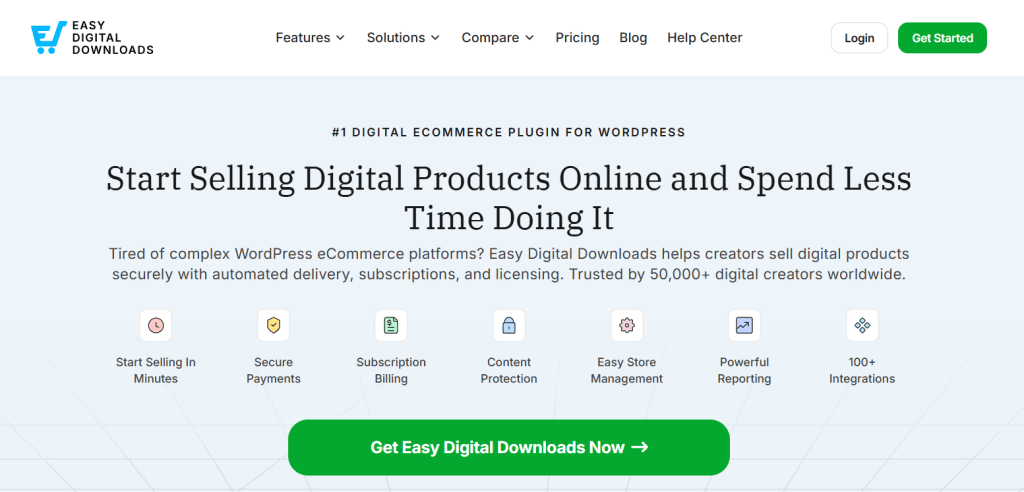
Easy Digital Downloads (EDD) has been the go-to WooCommerce alternative for digital sales for several years. It is purpose-built for selling digital products like ebooks, software, themes, plugins, music, and templates.
EDD scales well for digital-only stores; you can list unlimited digital products with single or multi-file downloads.
And because of its longevity, there is a somewhat developed ecosystem of EDD-specific apps, including official extensions for subscriptions, software licensing, abandoned cart recovery, and others.
On the front end, customers can create accounts and access customer profiles with purchase history. This makes re-downloads and refunds easy.
Easy Digital Downloads limitations
- It isn’t suitable for selling physical products.
- Extensions come bundled in annual passes and can be pricey. For instance, the introductory price for some of the extensions roughly doubles at renewal.
- An extra 3% application fee is charged to Stripe payments unless you hold an Extended pass or higher.
Easy Digital Downloads pricing: The core plugin is free. Passes currently run $99.50 for Personal (1 site), $199.50 for Extended (1 site), $299.50 for Professional (2 sites), and $499.50 for All Access (3 sites) in the first year. Regular renewal prices are $199, $399, $599, and $999.
2. SureCart
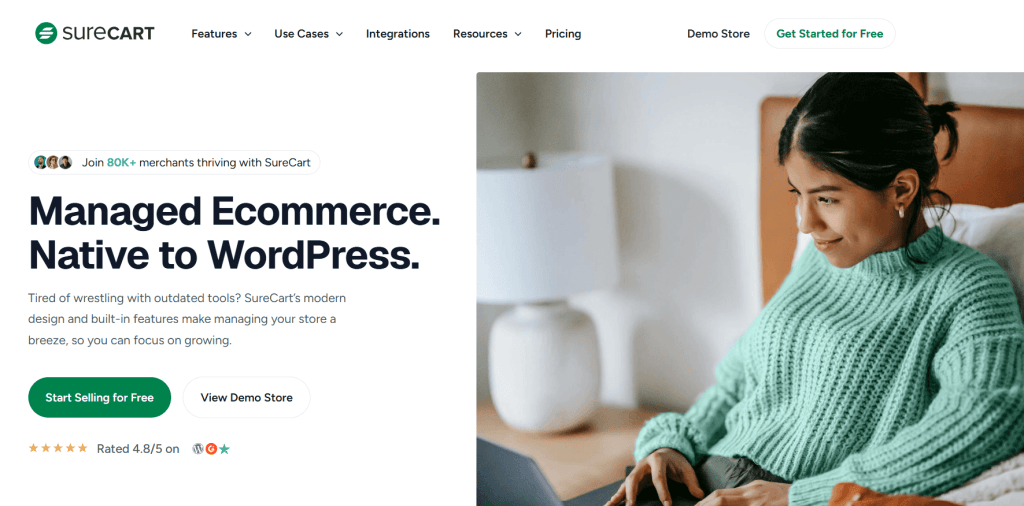
SureCart is a WordPress ecommerce plugin purpose-built for selling digital products, subscriptions, and services. It adds tons of features, including subscriptions, order bumps, upsells, pay-what-you-want pricing, a customer dashboard, block-based checkout forms, a built-in affiliate system, and more.
More than 80,000 merchants, including course creators, software sellers, coaches, and others, use it to sell digital goods or recurring services with WordPress.
It runs as a hybrid: part of the plugin lives on your WordPress database, while parts of the store’s order and payment handling run on SureCart’s cloud. As a result, it is more lightweight than a traditional store plugin.
However, the downside of this unique setup is that you own less of the stack than you would with a fully self-hosted plugin.
SureCart’s limitations
- It isn’t ideal for businesses with complex or physical products (e.g., variable products, multi-warehouse inventory, sophisticated shipping rules, B2B pricing, etc.).
- The free plan charges a 1.9% fee on every order.
- Part of your store runs on SureCart’s infrastructure, and that part of your store’s data lives on their servers.
SureCart pricing: The free Launch plan costs $0 but takes 1.9% per sale. Pro for one store is $179 a year at the introductory rate (renewing at $199), or $599 for lifetime access, with no transaction fee. Plans for five stores and unlimited stores cost more.
3. MemberPress
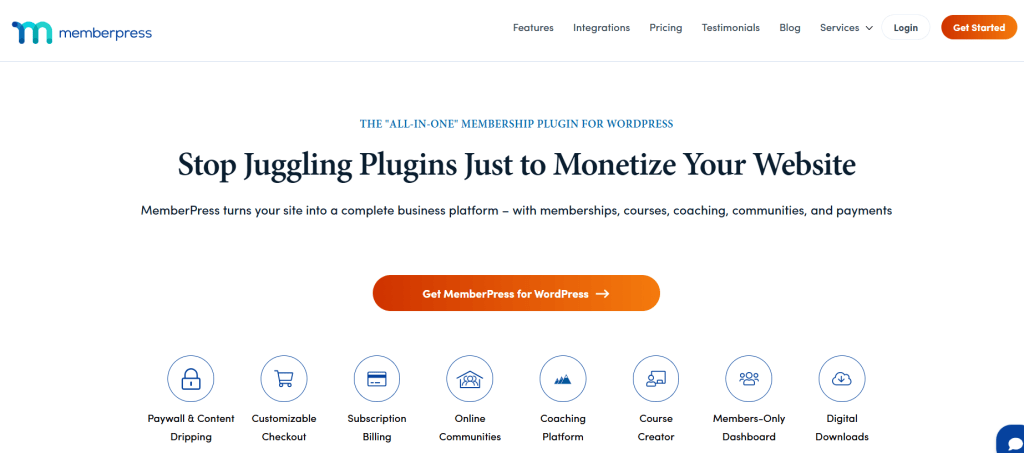
As the name implies, MemberPress is a WordPress membership plugin that lets you sell gated content, courses, and recurring memberships.
It includes a robust course builder and the ability to restrict content by membership level, as well as recurring billing and subscriptions. And you can add coupons, pricing pages, member dashboards, and process payments through Stripe, PayPal, and Authorize.net.
MemberPress is best suited for membership sites, online courses, communities, and subscription content businesses. You can even run it alongside WooCommerce rather than instead of it.
MemberPress limitations
- It isn’t suitable for physical product sales.
- There is a 4.9% fee surcharge on the Launch plan.
- It can be expensive. Subscriptions only cover one website, and prices double at renewal.
MemberPress pricing: Launch is $399 a year (a first-year offer brings it to $199.50) plus a 4.9% per-payment fee. Growth is $699 a year ($349.50 for year one), and Scale is $999 ($499.50 for year one), both with no transaction fees.
Which WooCommerce alternative is best for you?
The best alternative to WooCommerce for you depends on what you sell, your technical capabilities, and how much of your tech stack you want to own, and of course, your budget.
Before you commit to switching from WooCommerce, compare the total cost of ownership of your shortlisted alternatives to WooCommerce. Make sure to include payment gateway surcharges, revenue caps, renewal rates, as well as the hours spent setting up and maintaining your online store.
Where possible, create a test site with a handful of products for a firsthand experience of the new ecommerce platform.
One final recommendation: before you switch to another platform, ask whether you actually need a WooCommerce alternative. You may be able to solve the problems you’re experiencing by using a faster hosting plan, fewer plugins, or a simple custom-coded solution from an expert Codeable, Fiverr, or Upwork developer.
Need more from your ecommerce platform? Before you switch, explore The Dotstore’s collection of WooCommerce plugins and Shopify apps. From advanced pricing and shipping rules to product management, custom fees, and other store enhancements, our tools help extend your existing platform without adding unnecessary complexity. Browse the Dotstore catalog and find the right tools for your store.